

### Blog Post:
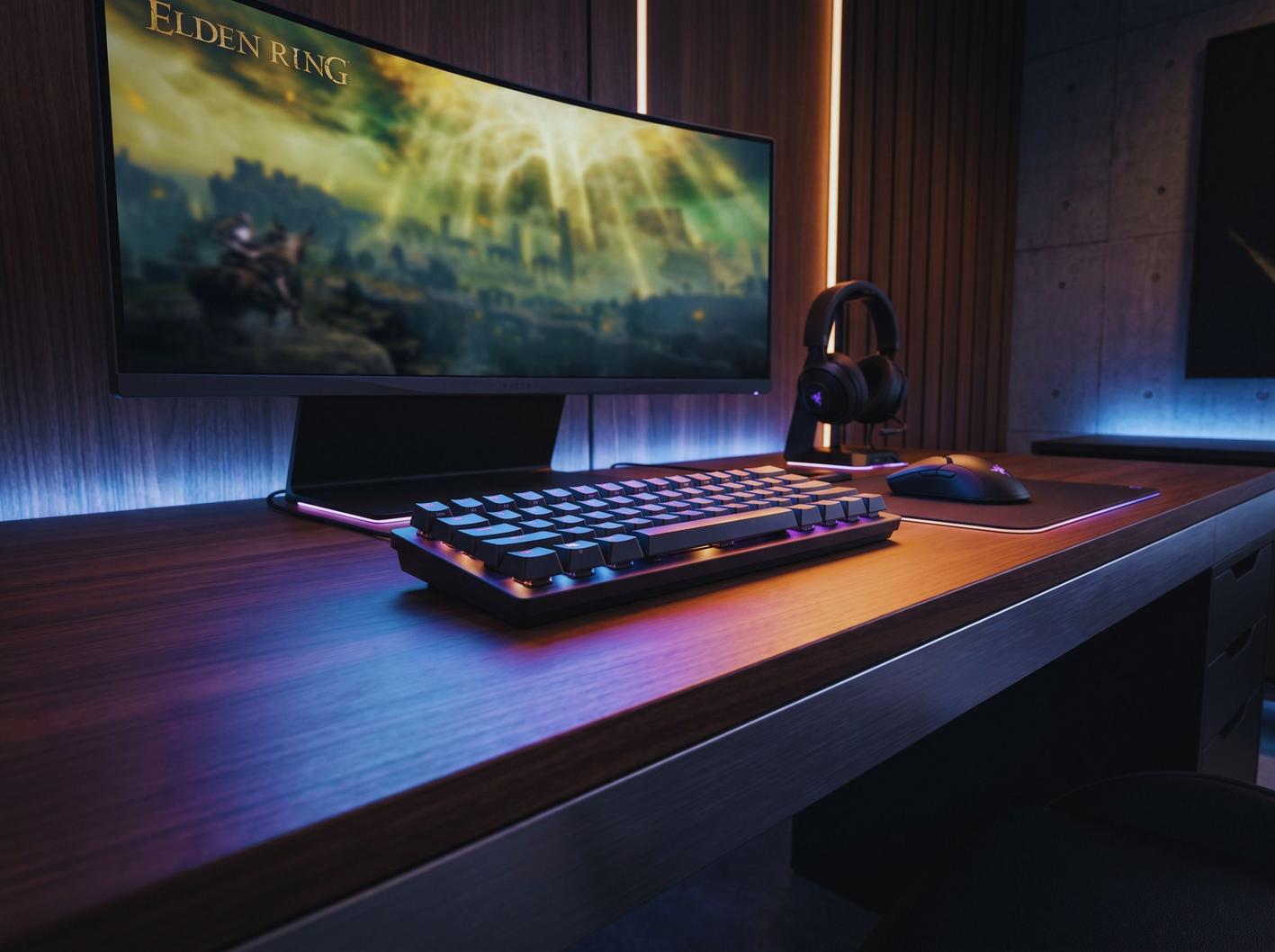
Razer Huntsman Mini gaming keyboard is the go-to choice for competitive gamers who demand fast actuation, serious portability, and customizable RGB in a minimal desk footprint. In this hands-on guide, you’ll get exactly what most Razer Huntsman Mini review articles skip: hard specs, a head-to-head comparison with modern 60% rivals, real-world negatives, and step-by-step setup so you actually get the edge—without getting blindsided by compact keyboard trade-offs like fixed actuation or wired-only limitations.
Key Takeaways
- Razer Huntsman Mini gaming keyboard leads with ultra-fast Razer Optical switches (1.5mm actuation) and up to 5 onboard profiles—built for esports, LANs, and minimalist pro gaming setups.
- Most negative reviews cite comfort issues for long typing sessions, no wrist rest, limited layout, and the lack of wireless function—real pain points for hybrid work/gamer users.
- If you want customizable actuation or wireless, check the V3 Pro Mini or mainstream alternatives; but if you crave speed, RGB, and in-bag portability, the Huntsman Mini can deliver, especially for FPS and competitive players.
- Quick Summary — Who the Razer Huntsman Mini is for (TL;DR)
- Step-by-Step Setup and Razer Synapse Integration
- Advanced Analysis & Common Pitfalls
- Conclusion: Is It a Buy?
- FAQ: Razer Huntsman Mini Gaming Keyboard
Quick Summary — Who the Razer Huntsman Mini is for (TL;DR)
The Razer Huntsman Mini gaming keyboard is targeted at competitive PC gamers, esports enthusiasts, and streamers who demand near-instant key response and a compact 60% size for max mouse space and portability. Speed is its top draw—thanks to Razer Optical Switches (Clicky or Linear, 1.5mm actuation, 45g), lightweight 18.4oz build (522g), and full-key RGB. But you trade away dedicated media keys, wireless mode, and adjustable actuation. If your setup is all about minimalism, tournament travel, or just extra mouse movement room, the reviews say it fits—but it’s not for everyone.
Step-by-Step Setup and Razer Synapse Integration
Setting up your Razer Huntsman Mini is easy, but squeezing out advanced performance—and not missing hidden features—takes a few extra steps. Here’s how you go from unboxing to optimal gameplay, with troubleshooting and custom profile tips.
- Unpack and physical setup: Attach the included detachable USB‑C cable (6.5 ft), ensuring the cable latch snaps in for a secure fit—minor tugging during LAN setups won’t disconnect you. Plug into PC or gaming laptop. Adjustable tilt lets you choose wrist angle.
- Onboarding and profiles: Keyboard works basic plug-and-play, but get RGB and custom macros by installing Razer Synapse (recommended is version 4 for Huntsman Mini). Download from Razer’s website on Windows.
- Activate lighting and save settings: Open Synapse, select the keyboard, and choose per-key RGB or built-in Chroma game effects. Save up to 5 profiles to onboard memory—your custom lighting/macros will run on any PC, no software required.
- Set up macros and advanced options: Use Synapse’s macro section to bind abilities, weapon swaps, or quick chat to your favorite keys (59 remappable on Huntsman Mini). No dedicated macro keys, so use layers or FN-combos for extra actions.
- Test latency/full-key rollover: Use online keyboard tester tools or in-game training to make sure every key registers—even during extreme key mashing or rapid pressing. The Mini offers full-key (n-key) rollover out of the box.
- Troubleshooting: If RGB flickers or keys aren’t detected, try reseating the cable, updating Synapse, or switching to a basic profile. Keyboard not recognized at startup? Plug directly into motherboard USB, then try a firmware reset in Synapse.
- Custom Chroma RGB effects can be linked to in-game events in over 150+ titles.
- If you’re using a multi-device setup, Razer Synapse can sync lighting and macros across supported Razer peripherals, like the HyperX Alloy Core RGB or other accessories in your battle station.
Advanced Analysis & Common Pitfalls
All that speed and portability comes with trade-offs. Let’s walk through the specific technical specs, comparison data, and real pain points found in negative reviews so you buy with eyes wide open.
Technical Specifications (At-a-Glance Table)
| Feature | Razer Huntsman Mini | Razer Huntsman V3 Pro Mini |
|---|---|---|
| Switch Type | Optical (Clicky/Linear, 1.5mm actuation, 45g) | Analog Optical (0.1–4.0mm adjustable) |
| Polling Rate | Low latency (unspecified) | Ultra-fast (unspecified) |
| Onboard Memory | Up to 5 profiles | Not specified |
| Form Factor | 60% (61 keys) | 60% compact |
| Weight | 18.4 oz (522g) | Not specified |
| Cable Type | Detachable USB‑C, 6.5 ft | Not specified |
| Keycap Material | PBT keycaps | PBT (assumed) |
| Rollover | Full-key (n-key) | Full-key |
Real User Pain Points: What Most Reviews Overlook
- Typing comfort/ergonomics: Many users find the low pre-travel optical switches (1.5mm) too sensitive for extended typing or non-gaming—accidental key presses are common (see RTINGS review).
- Layout limitations: No function row, home cluster, or number pad means extra layers for common commands—slows down workflows for streamers/writers.
- No wireless: Exclusively wired. Gamers who want to use their board with a phone/tablet, or minimize cables for aesthetics, will need to pick a different model. See available options in our GameProEdge newest gaming gear buyers guide.
- Wrist strain: No wrist rest or palm support included, which can cause hand fatigue over multi-hour sessions—especially for larger hands.
- Compatibility issues: The keyboard is not designed for mobile devices, and research did not confirm keycap sizing or replacement compatibility. More on this in our next table.
Durability & Maintenance: Gaps Most Razer Huntsman Mini Reviews Miss
- No Mini-specific claims for switch lifespan, unlike the V3 Pro (100 million keystrokes). The PBT keycaps are durable, but standard compatibility for swaps is not documented—see our guide to cleaning and maintaining keyboard gear in this cleaning article.
- Firmware update steps are rarely mentioned. Updates arrive via Synapse, but there’s no standard process or schedule available as of 2024. For more details about firmware and gear updates, read our ScookieGear gaming gear review.
Esports & Streamer Usage—What Pros Get, What You Might Miss
- No named esports champions using the Huntsman Mini as of 2024 sources, but reviews confirm its reputation for being “pro-grade fast” and ideal for event travel.
- Everyday users highlight game responsiveness, but comfort trade-offs (and extensive macro stacking) mean you may want a more full-featured board for hybrid gaming and typing (see our HyperX Cloud III gaming headset review for audio and setup dual recommendations).
Conclusion: Is It a Buy?
The razer huntsman mini gaming keyboard is a top pick if you want a lightning-fast, reliable wired 60% board for competitive play, streaming, or everyday gaming where portability and RGB customization matter. But, its fixed 1.5mm actuation, lack of wireless, and compact layout are real trade-offs. If you require analog actuation, adjustable sensitivity, or wireless, strongly consider the V3 Pro Mini or mainstream alternatives (V3 Pro Mini specs).
- Buy if: You need ultra-fast, fixed-actuation optical switches, space-saving design, and always-on Chroma RGB profiles.
- Skip if: You prioritize full-size comfort, wireless compatibility, typing all day, or advanced analog/dial controls.
Check listings and review current pricing at Best Buy or your local retailer. For a bigger look at trending compact gaming gear for 2024, browse our Best Gaming Gear by PMWgamegeek article. Ready to level up? Make your setup competitive—don’t overlook the trade-offs.
FAQ: Razer Huntsman Mini Gaming Keyboard
Are Razer Huntsman Mini switches hot-swappable?
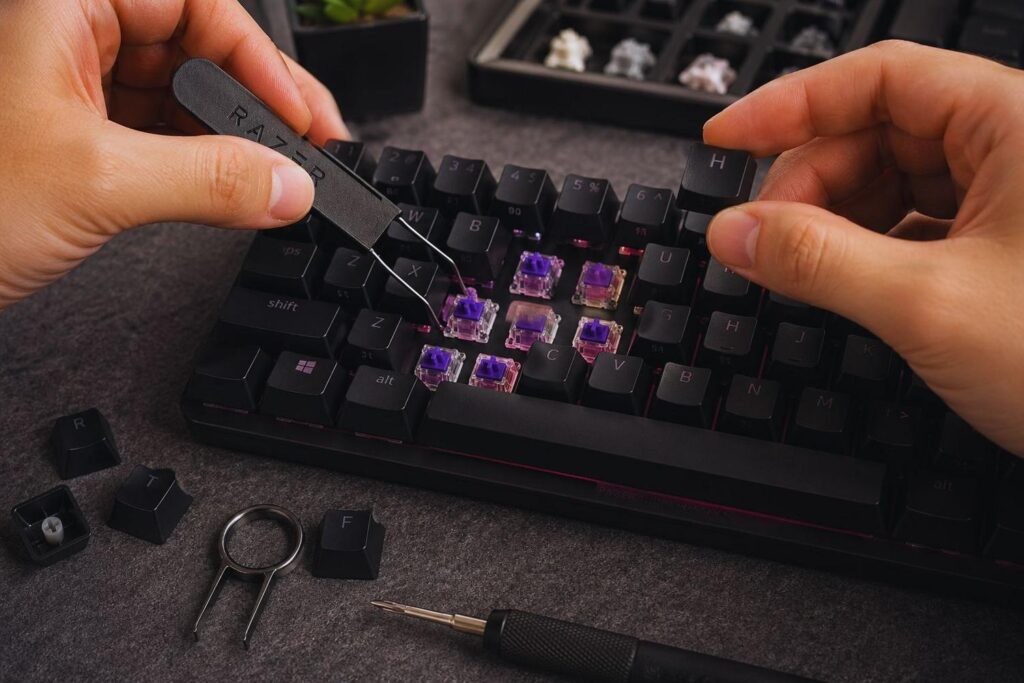
No, the switches are not hot-swappable—what you buy (Clicky or Linear optical) is what you get. There is no documentation on switch replacement for this model.
Is the Razer Huntsman Mini compatible with consoles or phones?
It’s a wired-only keyboard (USB‑C), so it may work on some modern consoles with a USB-C port, but is not designed for full compatibility with consoles, phones, or tablets. Functionality may be limited outside of Windows PCs.
What keycaps fit the Huntsman Mini? Are they standard?
The keyboard ships with PBT caps. Official specs and documentation do not confirm if they use standard MX-compatible stems or non-standard bottom rows. If customizing, test-fit or check community reviews for details.
How do I update firmware on the Huntsman Mini?
Firmware updates are delivered via Razer Synapse if available, but there’s no standardized manual process. Check the Synapse software update center or Razer support for updates.
Can I use lighting profiles without Razer Synapse installed?
Yes—up to 5 onboard profiles store your Chroma effects and macros, so you can carry custom setups to any PC, even without the software installed.
Is the Huntsman Mini good for typing as well as gaming?
For short sessions or pure gaming, yes—the fast response is excellent. Long-form writing or hybrid use may suffer due to high switch sensitivity and lack of ergonomics compared to full-size layouts.
