

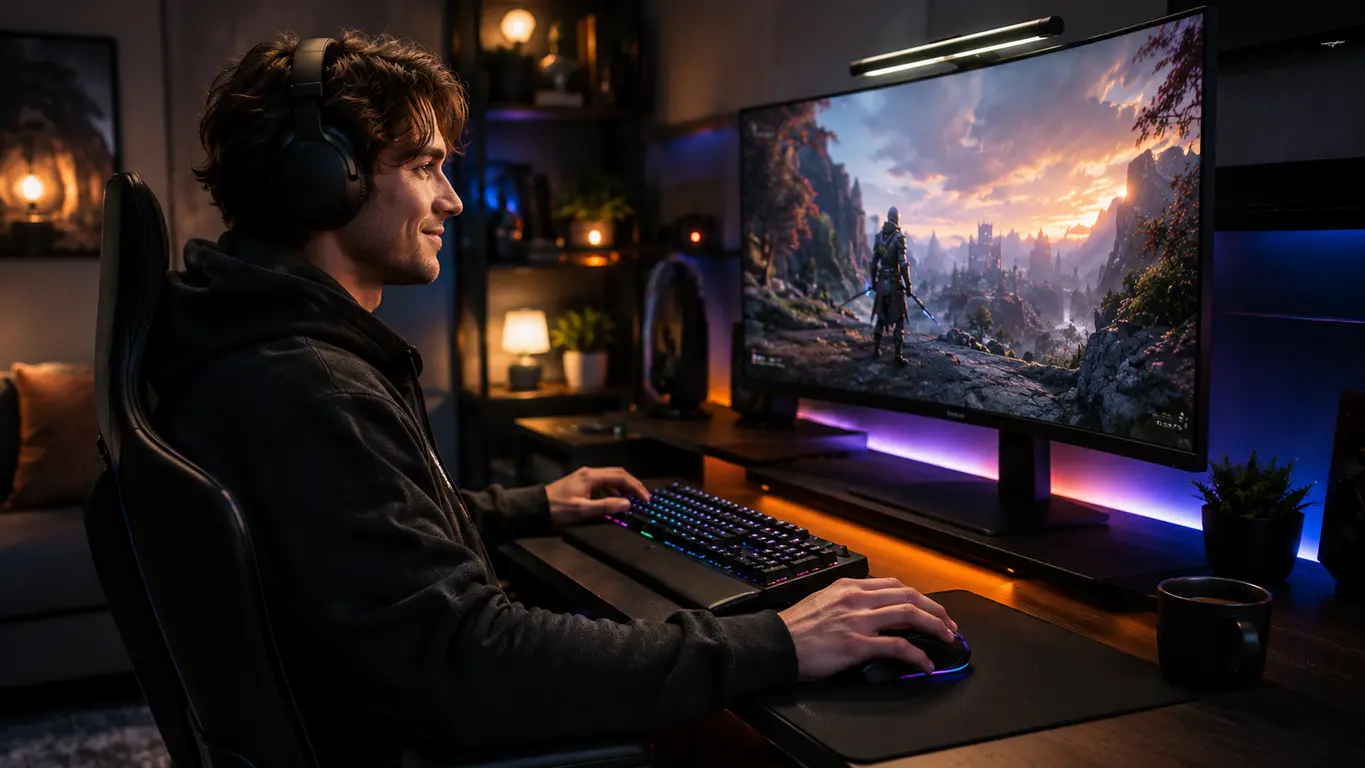
Ergonomic gaming mouse shopping is tough—every brand says they’re best for comfort and aim, but stats and user pain reveal a jungle of choices, hidden costs, and real trade-offs.
Key Takeaways
- Only about 14% of gaming mice sold in 2024 are truly ergonomic or vertical, but this segment is booming as more gamers chase long-term comfort and reduced wrist pain.
- Ergonomic shapes—especially vertical mice—can reduce strain, but they require 1–2 weeks of adaptation and may lower flick speed in FPS until you adjust.
- Smart picks depend on your grip style, hand size, preferred weight, and game genre—using the right data beats flashy marketing every time.
- What Makes an Ergonomic Gaming Mouse Different (and Why It Matters)
- Step-by-Step Guide: How to Choose and Adapt to an Ergonomic Gaming Mouse
- Advanced Analysis & Common Pitfalls: Key Buyer Mistakes, Specs, and Real Data
- Conclusion
- FAQ
What Makes an Ergonomic Gaming Mouse Different (and Why It Matters)
A real ergonomic gaming mouse goes beyond just a fancy shape. The design helps you keep a more natural wrist and forearm position—minimizing strain that leads to fatigue or even RSI over hundreds of gaming hours. Unlike flat or “universal” mice, ergonomic or vertical gaming mice try to:
- Reduce forearm pronation (twisting palm down) so your muscles work less and your wrist stays straighter.
- Support the thumb and pinky to avoid lateral finger strain during tracking and fast clicks.
- Sculpt the grip so your palm, fingers, and knuckles can relax without fighting awkward angles, even after 4-hour raids or marathon ranked FPS sessions.
But—not all ergonomic gaming mice suit every playstyle. Vertical mice (handshake angle) are great for pain relief, but most elite FPS players still pick lighter, “classic” ergonomic shells (like DeathAdder V3 Pro or Model D) since vertical shapes can make flick shots slower and require new muscle memory.
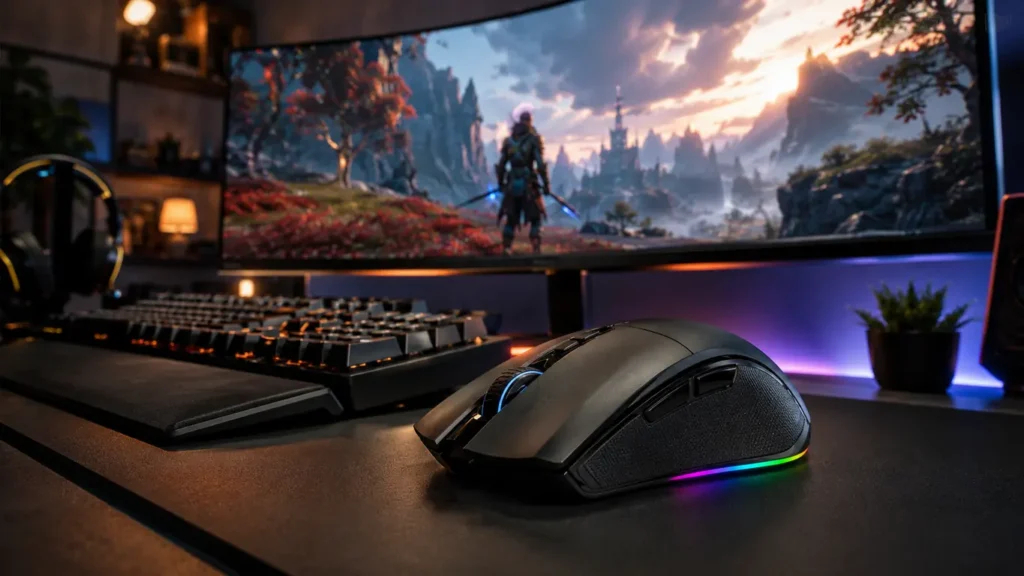
Here’s why the category matters: In 2024, about 24% of >350M computer mice shipped are for gaming (that’s 84 million units)—and ergonomic or vertical shapes make up roughly 14% of those, or 11–12 million specialized mice. Market growth is now driven by players tired of wrist pain and looking for both performance and real comfort.
Modern ergonomic gaming mice come in four main “flavors”:
- Right-hand sculpted: Classic shapes like the Razer DeathAdder, G502, and Model D for palm or relaxed claw grip.
- Vertical: Full handshake angle, like Delux M618, for max pronation relief (ideal for RSI, slower for flicks).
- Lightweight ergonomic: Sub-70g mice (e.g., ASUS Keris II Ace, DA V3 Pro) for less muscle fatigue, high flick speed.
- MMO ergonomic: Feature-heavy, with many thumb buttons—all about macro coverage and comfort in long sessions.
Step-by-Step Guide: How to Choose and Adapt to an Ergonomic Gaming Mouse
- Measure your hand (length from wrist crease to tip of middle finger, and palm width at widest point). Compare to the mouse’s shape—classic ergonomic mice suit 17–21cm hands; vertical mice can run bigger.
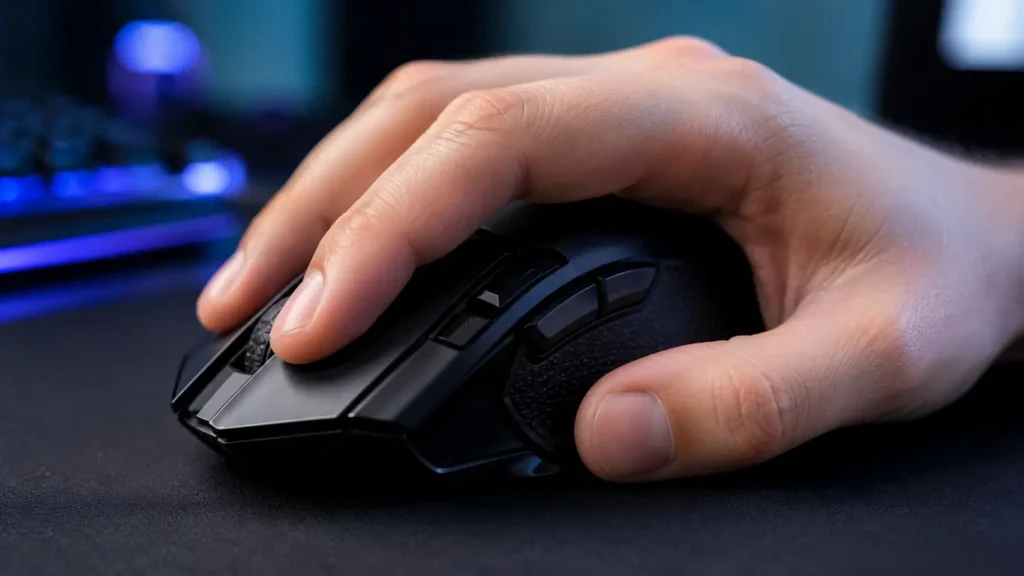
- Match your grip style: Use palm grip for larger, humped ergonomic mice; claw or fingertip for lower-profile/lightweight models. Only pick a steep vertical mouse if you already feel wrist or forearm pain, or have a doctor’s recommendation.
- Weight and balance: True lightweight (54–73g) ergonomic mice offer less fatigue in high-speed FPS. Vertical and macro-heavy mice are heavier (90–110g+)—fine for MMOs/strategy, but some FPS performance drops are real.
- Sensor and polling: For FPS/multi-genre, demand at least 19K+ DPI and 1000Hz polling. True vertical mice often cap at 12K DPI/1000Hz—fine for streaming or MMO, but not the absolute best for raw flick consistency.
- Break-in for adaptation: Plan 1–2 weeks for your hand/forearm to get used to a radically different shape—especially going vertical. Run Aim Lab tests at day 1, 7, and 21 to track aim stats.
Still undecided? Jump to our advanced analysis & product table for a side-by-side spec breakdown, or compare ergonomic gaming mice to gear like a programmable mechanical keyboard or a gaming chair designed for posture support.
Advanced Analysis & Common Pitfalls: Key Buyer Mistakes, Specs, and Real Data
Common Pitfalls
- One shape doesn’t fit all. Ergonomic is not universal. The G502 or DeathAdder may feel perfect for big palm grips, but overwhelming for small hands or claw/fingertip players. Always match hand size and grip first.
- Pain before gain. Adaptation soreness is real, especially with vertical mice—expect 1–2 weeks of weird thumb/elbow fatigue if you come from flat e-sports mice.
- Switch fail risk. Double-click defects spike on some “feature-rich” ergonomic mice after 6–12 months. Vendor switch quality and warranty matter more here than for cheap e-sports mice.
- Performance paradox. Vertical mice do cut pronation, but may slow your flicks and micro aim in fast FPS. Many players keep a vertical mouse for daily/grindy play, and revert to lightweight ergonomic for serious AIM work.
- Overspending on macros you’ll never use. MMO-style ergonomic mice (11+ buttons) sound smart, but for FPS or Battle Royale, the extra buttons can get in the way or, worse, trigger by accident.
Spec-by-Spec Comparison Table
| Model (2024) | Form Factor | Sensor + DPI | Polling Rate | Weight (g) | Connectivity | Prog. Buttons | Best Grip | Best-For Use Case |
|---|---|---|---|---|---|---|---|---|
| Logitech G502 X Plus | Ergo right, high profile | HERO 25K / 25,600 | up to 1000Hz | 106 | Wired/Wireless | 13 | Palm/Claw | MMO/Macro/All-use |
| Razer Basilisk V3 Pro | Ergo right, full feature | Focus Pro 30K / 30,000 | 1000–4000Hz | 112 | Wireless/Wired/BT | 11 | Palm/Claw | MMO/FPS Hybrid |
| Razer DeathAdder V3 Pro | Ergo right, ultra-light | Focus Pro 30K / 30,000 | 1000–4000Hz | 63 | Wireless/Wired | 5 | Palm/Claw/Hybrid | Competitive FPS |
| Glorious Model D Wireless | Ergo right, light | BAMF / 19–26K | 1000Hz | 69 | Wireless/Wired | 6 | Palm/Claw | FPS/All-round |
| ASUS ROG Keris II Ace | Ergo right, ultra-light | ROG AimPoint / 42,000 | 1000–8000Hz | 54–56 | Wireless/Wired/BT | 5–7 | Claw/Palm/Hybrid | Pure FPS |
| Delux M618 Mini Gaming | Vertical right | PixArt 3325/3335 / 12,000 | 1000Hz | 90–110 | Wireless/Wired/BT | 6–8 | Palm | Pain relief/stream |
If you’re budgeting, remember: Budget ergonomic gaming mice (USD 25–50) usually max out at 10K DPI and have modest switches/buttons. Most of the best lightweight ergonomic gaming mice are USD 80–150, but you’re paying for low weight, flagship sensors, and superior durability. More info at Mordor Intelligence.
A premium ergonomic gaming mouse is smart if you play 20+ hours a week and want top aim plus real wrist support. For streamers and MMO warriors, macro-heavy ergonomic mice (like G502) pack the best bang for buck.
For more breakdowns of gaming gear trends, check programmable mechanical keyboard upgrades, or our gaming headset with surround sound buying guide.
Conclusion
An ergonomic gaming mouse is not a one-size-fits-all solution. If you want less wrist pain and competitive aim, don’t just chase the most radical shape—match your grip, hand size, and game type to the right ergonomic design. Vertical mice give the most comfort for pain but need patience; lightweight ergonomic models split the difference for FPS. Use market data and real reviews (not just marketing) to make your pick.
Ready to upgrade your setup? Start by measuring your hand and matching your main game to the ideal ergonomic gaming mouse—your wrists (and your aim) will thank you. Need the full list of specs or want head-to-head Aim Lab metrics? Scroll back for the detailed table above, or browse our ergonomic gaming chair and RGB gaming accessories guides to level up your entire comfort rig.
FAQ
Will using a vertical ergonomic gaming mouse improve my aim?
Vertical mice help reduce forearm strain, but many players find their flicks and micro-aim get slower for 1–3 weeks. For FPS, classic/lightweight ergonomic shapes are still top for pure aim speed.
How long does it take to adapt to an ergonomic or vertical gaming mouse?
Most users need 7–14 days to fully adjust muscle memory. Vertical mice may take 2–4 weeks for fast reflex tasks.
Can I game competitively with a vertical mouse?
You can, but data and pro testimonials show almost no top FPS players use steep vertical mice in tournaments. Use vertical mice for pain, classic ergonomic/lightweights for serious ranked play.
Is a lightweight ergonomic gaming mouse really better for long sessions?
Yes. Models under 70g (e.g., DeathAdder V3 Pro, Keris II Ace) lessen wrist and finger fatigue, especially in high-speed games.
Are premium ergonomic mice worth the extra money?
If you play more than 10 hours a week or care about durability and performance, yes—better sensors, lower failure rates, and real comfort features pay off long term.
