

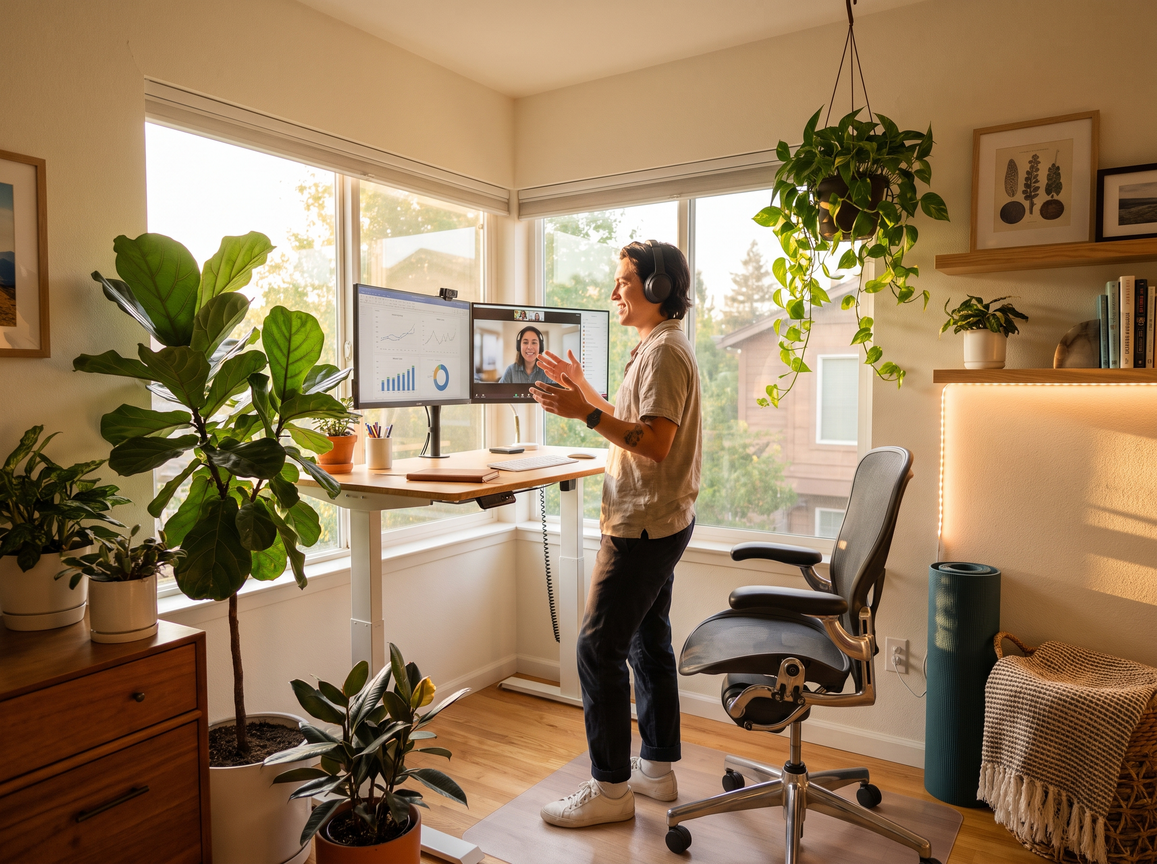
Looking for home office ideas that actually boost productivity, health, and style in 2024? You are not alone. As more professionals work remotely, the need for functional, budget-conscious, and visually appealing workspaces has never been higher. This guide breaks down what’s trending, what really works, and how to avoid costly mistakes—backed by the latest research and practical insights.
Key Takeaways
- Well-designed home office ideas can drastically improve your productivity, comfort, and happiness—even with small spaces and budgets.
- In 2024, the top trends are about natural light, minimalist layouts, ergonomic support, and personalized décor—not expensive overhauls.
- Poor planning leads to wasted money, tech clutter, and work-life balance problems. Avoid common pitfalls with cost-effective, research-backed strategies in this guide.
- The Remote Work Revolution in 2024: Why Home Office Ideas Matter More Than Ever
- Step-by-Step Guide: Designing a Functional and Stylish Home Office
- Advanced Analysis & Common Pitfalls in Home Office Design
- Conclusion
- FAQ: Home Office Ideas in 2024
The Remote Work Revolution in 2024: Why Home Office Ideas Matter More Than Ever
Remote and hybrid work is the new normal in 2024. About 28 percent of the global workforce now works from home, with 27 percent of U.S. workers going hybrid and 11 percent fully remote. More than 60 percent of women and 52 percent of men say they would quit if forced to return to a full-time office. An extraordinary 42 percent would even take a pay cut for work-from-home flexibility. [Source] This seismic shift is sparking demand for practical and inspiring home office ideas that support real productivity, wellness, and focus.
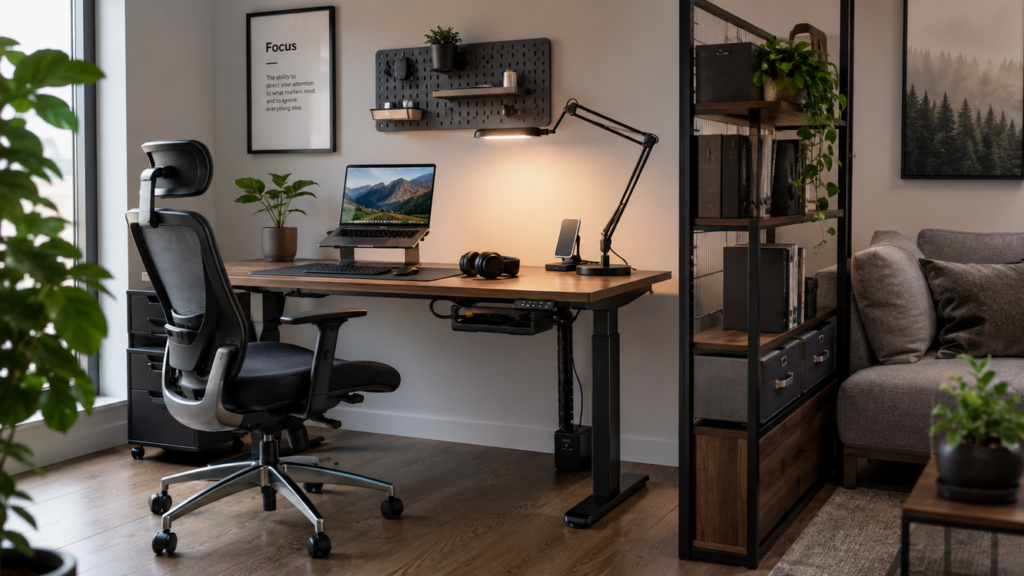
However, just grabbing a laptop and sitting at the dining table is no longer enough. Lack of dedicated space, chaotic tech setups, discomfort, and blurred boundaries between work and home life have exposed the need for smart home office inspiration. Finding the right setup can mean the difference between thriving, burning out, or missing out on career opportunities.
The trend is clear: Home office organization and design are not just about looking good on video calls. They are now key to earning power, job satisfaction, and even your mental health.
Step-by-Step Guide: Designing a Functional and Stylish Home Office
Ready to take your workspace from makeshift to mission-ready? Here’s how to create a home office setup that actually works in 2024—whatever your space or budget.
1. Assess Your Space and Budget
- Measure your available space—be honest. If you do not have a separate room, look for unused corners or consider a closet-to-office conversion. (Small home office inspiration)
- Set a budget including essentials: desk, chair, lighting, tech add-ons, and basic decor. Factor in small touches (like an aesthetic desk mat or a few thriving desk plants) for wellness.
2. Upgrade Ergonomics First
- Choose an adjustable chair with lumbar support and a height-adjustable desk if possible. For tight budgets, use a gaming chair with posture support or lumbar pillows to improve comfort.
- Monitor placement matters: Your eyes should line up with the top third of your screen, 20–28 inches away. Consider a monitor light bar to cut eye strain.
3. Master Lighting and Minimize Distractions
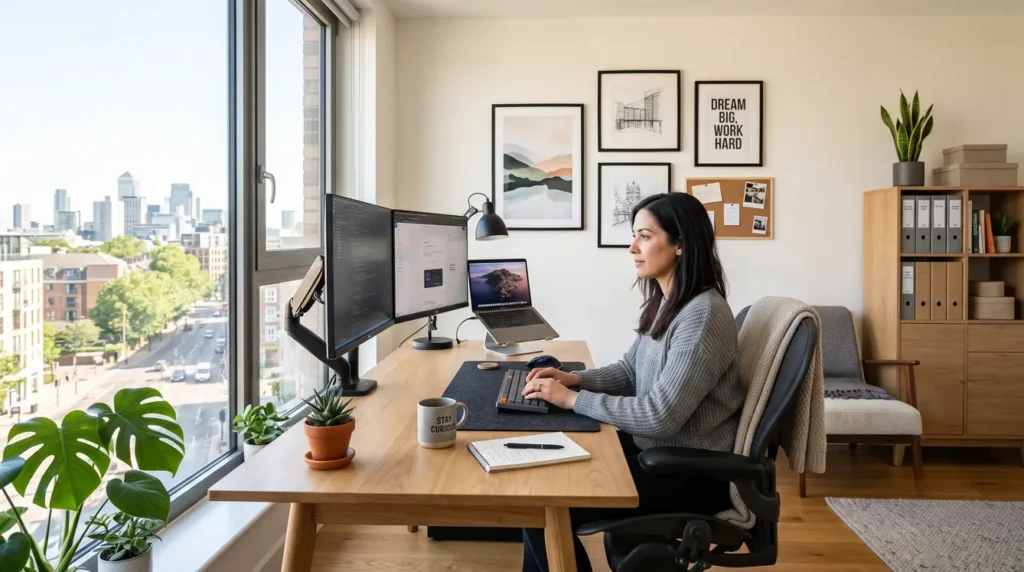
- Position your desk to maximize natural daylight. Add a soft, indirect lamp or a high-CRI LED light bar with adjustable warmth for late hours. (Home office aesthetic guide)
- Use blackout curtains or privacy screens if you share space with family or roommates.
4. Tame Tech and Boost Connectivity
- Mount a surge-protected power strip under your desk.
- Invest in a reliable webcam and noise-cancelling mic—the best do not have to be expensive (best streaming mic and cam).
- For multi-device setups, cable management trays and color-coded zip ties save you future frustration.
5. Organize for Focus and Wellbeing
- Use drawer units, desktop organizers, or a small filing cabinet to keep clutter at bay. Open shelving creates airy storage for books and supplies.
- Personalize with at least one element—art, a favorite mug, or a living plant.
- If you struggle with work creep into your personal life, physically zone your workspace with rugs, a backdrop, or even tall plants.
6. Don’t Ignore Sensory Comfort
- Consider a felt desk mat for a quieter, warmer surface (minimalist desk mat guide).
- Add a fan or white noise machine if background noise interferes with calls or deep work.
What will it all cost?
2024 data shows most home office setups range from $350 (bare minimum essentials) to $2,000+ (premium electronics or designer furniture). Many U.S. employers now offer reimbursement for eligible office equipment, so check your workplace policy. [Source]
Quick Checklist
- Ergonomic chair and desk suited to your body
- Effective lighting—daylight plus direct task lighting
- Stable, fast internet and organized cables
- Personalized décor and organization aids
- Defined physical work zone (even in a shared room)
Advanced Analysis & Common Pitfalls in Home Office Design
Even with so many home office design ideas online, most people trip up in similar ways. Here are the top mistakes remote professionals report—and how to sidestep them.
Common Pain Points
- Small spaces get overwhelmed fast. Trying to fit a full suite of home office furniture ideas in a cramped corner usually leads to clutter, stress, and poor focus.
- Poor ergonomics still dominate. Skimping on chairs or using kitchen tables causes back, wrist, and eye pain. Over time, this reduces productivity and can create lasting health issues.
- Lighting is an afterthought. Low light or heavy glare ages eyes and makes you look washed out in calls.
- Tech chaos reigns. Without smart cable management, devices tangle and outlets overflow. Missing surge protection can mean expensive losses during power surges.
- Work/life boundaries blur. No physical or visual separation—especially in open floor plans—can make it impossible to mentally clock out, leading to burnout and family tension.
- Budget overruns happen easily. Trending home office decorating ideas are tempting, but affordable foundational comfort is non-negotiable.
Real-World Cost Comparison
| Category | Budget Setup (USD) | Mid-Range Setup | Premium Setup |
|---|---|---|---|
| Desk & Chair | $100–$200 | $350–$600 | $900+ |
| Lighting | $30–$50 | $75–$120 | $180+ |
| Tech (monitor, webcam, mic) | $120–$200 | $350–$700 | $1300+ |
| Organization & Decor | $20–$60 | $90–$200 | $350+ |
Pro tip: Do not cut corners on a quality chair or monitor stand—these have the highest ROI for every type of remote worker.
What New Research Says
Studies now confirm that hybrid and remote workers are most satisfied and productive when their offices promote focus, physical comfort, and a controllable sense of separation from “home mode.” [Research] Thoughtful home office organization—such as cable trays, storage bins, biophilic elements, and consistent lighting—directly reduces burnout and boosts wellbeing.
Still, about 40 percent of people report ongoing issues with distractions, “tech mess,” or decision fatigue about upgrades. Take it step by step, and adapt layouts to your evolving needs.
Conclusion
Getting your home office right pays off daily, whether you work from a dedicated room or just a small alcove. Investing in smart home office ideas reveals results in comfort, focus, and professional longevity. The key is to prioritize what you need most—ergonomics, organization, and elements that make you feel “at work”—before worrying about the perfect décor. Ready for your best work yet? Start curating your ultimate home office setup today.
For more inspiration, explore cozy home office designs or get tips for women’s home office ideas that shine in small spaces.
FAQ: Home Office Ideas in 2026
What is the minimum I need for a productive home office?
You need a comfortable chair, a sturdy desk or table, reliable lighting, and at least basic cable management. If you take regular calls, add an external webcam and mic. Keep décor simple at first; add more as needed.
How much should I spend to upgrade my home office?
Most functional upgrades start around $350, but prioritize a quality chair or sit/stand desk before splurging on décor. Many employers now reimburse remote work setups, so check your company’s policy.
Are there home office ideas for very small apartments?
Yes. Consider wall-mounted desks, foldable work surfaces, or transforming a large closet into a mini office. Use vertical storage and multi-function furniture (see small office ideas).
How can I reduce distractions in a home office?
Define your work zone with rugs or screens, use noise-cancelling headphones, and keep your phone out of reach during focus time. Consistent start and end rituals help too.
What are the best trends for home office design in 2024?
Natural light, calming colors, ergonomic furniture, biophilic elements like real or faux plants, and personalized décor are the leading trends. Minimalism helps reduce visual clutter and stress (learn more).