

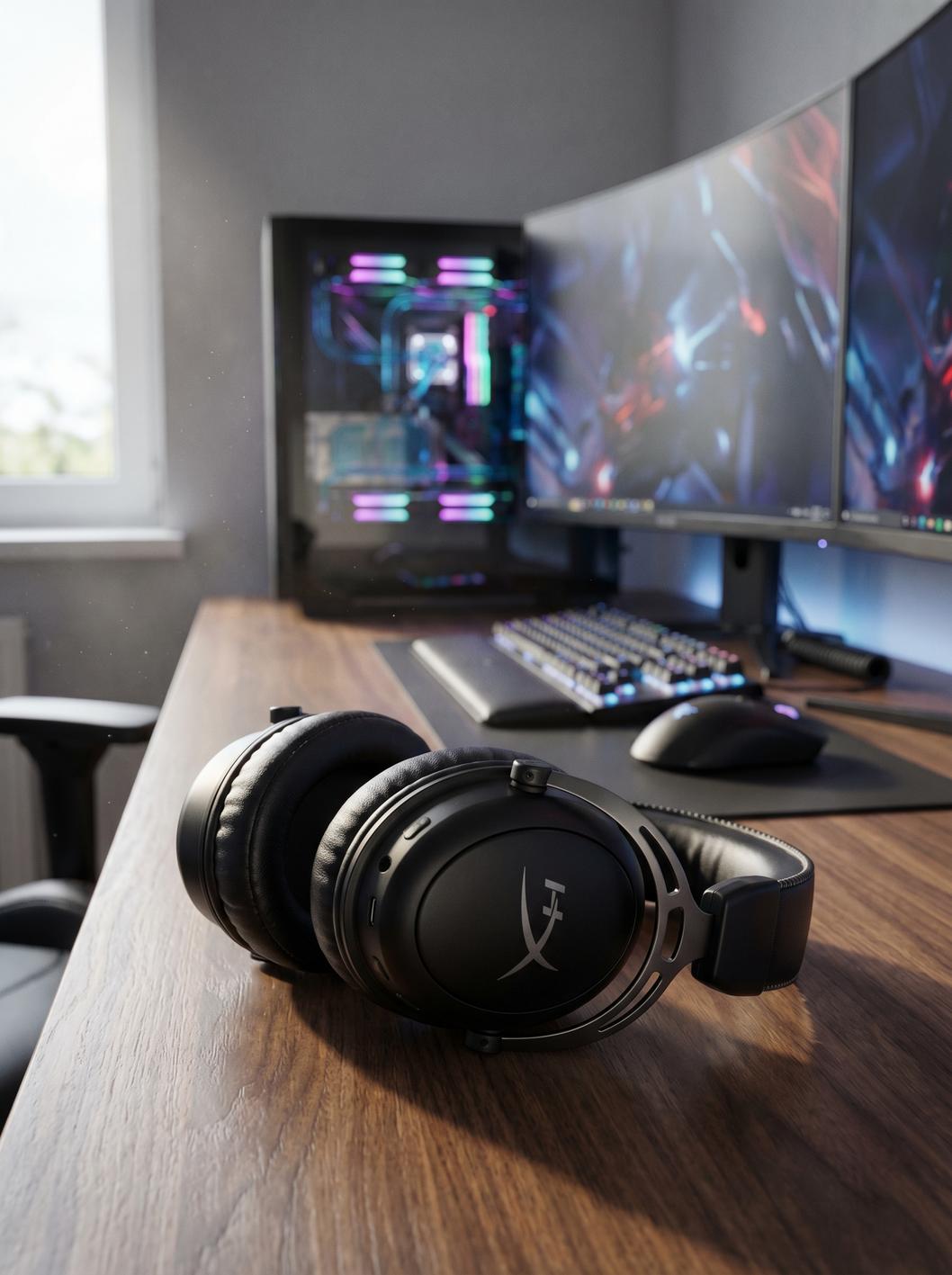
hyperx cloud iii gaming headset is one of 2024’s most recommended wired gaming headsets for gamers who demand comfort, multiplatform compatibility, and no-nonsense durability—but does it deliver on every front, or are there real-world trade-offs? This buyer’s guide answers that, combining research, setup walkthroughs, known pain points, and expert comparison so you can buy with confidence.
Key Takeaways
- HyperX Cloud III is praised for its signature comfort, retuned 53mm drivers, and truly multiplatform wired connectivity for $99.99 MSRP (commonly $61.99 on sale).
- Known quirks: finite volume wheel, an audible mic mute “pop,” and no wireless option—real trade-offs for those wanting cable-free setups.
- This guide covers real setup steps, realistic trade-offs, and unbiased comparative value so you make the best choice for your needs in 2024.
- Quick take — Should you buy the HyperX Cloud III?
- Complete technical specifications at a glance
- What’s new vs. the HyperX Cloud II
- How the Cloud III stacks up against main 2024 competitors
- Audio performance — What pros and tests say
- Mic performance and voice clarity — wired vs wireless variants
- Comfort, build and long-term durability
- Complete step-by-step setup across platforms
- Troubleshooting — 15 common problems and fixes
- Real user pain points & what existing coverage misses
- Pricing, deals, and cost-value analysis (2024)
- Three critical insights most competitor articles underexplain
- Verdicts by use case + buying recommendation
- Quick FAQ
Quick take — Should you buy the HyperX Cloud III?
The hyperx cloud iii gaming headset is built for gamers who want plush comfort, accuracy-focused 53mm drivers, and multiplatform compatibility in a robust, wired package—without paying a premium for unneeded wireless tech. For $99.99 MSRP (and frequent $61.99 sales), you get excellent sound and voice but must accept trade-offs: finite-volume controls, a very minor but real mic-mute “pop” in streams, and no wireless flexibility. If you value no-latency audio, all-day comfort, and long-term durability, this is one of the safest wired bets in 2024 (Tom’s Hardware).
Complete step-by-step setup across platforms (PC, PS5/PS4, Xbox, Switch, Mobile, Mac)
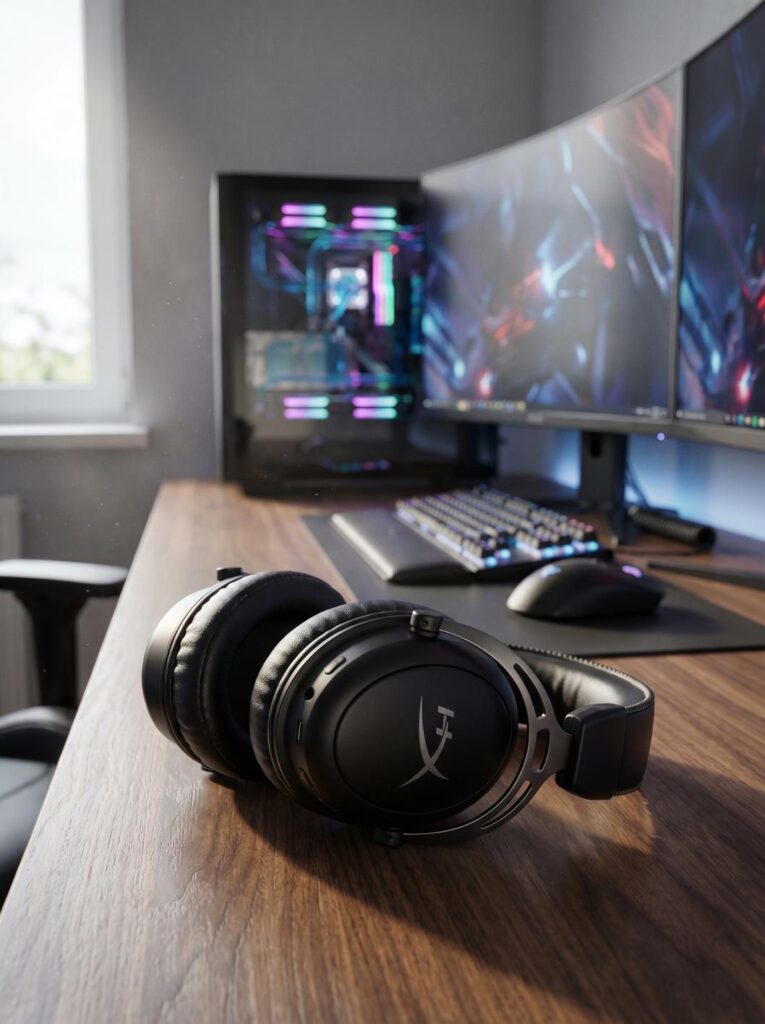
Here’s exactly how to get the hyperx cloud iii gaming headset working on every major device, from cables in the box to surround settings and firmware. Each step is hands-on, so you’re never left guessing.
What’s in the box?
- 49″ (1.2m) 3.5mm cable (headset to device)
- 54″ (1.5m) 3.5mm-to-USB-C extension
- USB-C to USB-A converter
- Detachable 10mm noise-cancelling mic
PC Setup (Windows/Mac/Linux):
- Attach the detachable mic to the headset’s left cup until it clicks.
- Connect via USB (preferable for Windows Sonic and NGENUITY features): Chain the 3.5mm cable to the USB-C extension, then add the USB-A adapter if your PC doesn’t have USB-C.
- If using only 3.5mm: Plug directly into your PC/laptop combo jack.
- On Windows: Right-click the sound icon > “Sounds” > Set “HyperX Cloud III” as default (playback and recording).
- Optional: Download and install HyperX NGENUITY for custom EQ, firmware, and tuning.
- Enable Windows Sonic: Settings > System > Sound > “Spatial Sound” and choose “Windows Sonic for Headphones.”
- Test mic using Windows Voice Recorder or Discord’s mic test.
PlayStation 5/4 Setup:
- For best audio, use the USB-C extension and plug directly into the front USB-C port. Or use the USB-A adapter for older PlayStation models.
- Alternatively, connect the 3.5mm cable to your controller—note, you’ll only get stereo (no Sonic surround).
- Adjust audio levels from console settings: Settings > Sound > Output Device > “HyperX Cloud III.”
- Mic should auto-detect. Test in party chat or PlayStation’s microphone level setting.
Xbox Series X|S or One Setup:
- Note: The USB dongle is NOT supported on Xbox. Use only the 3.5mm cable.
- Plug the 3.5mm directly into your controller’s headset port.
- Go to Audio settings: Enable “Windows Sonic for Headphones” under Volume & audio output.
- For chatting, check mic levels under Xbox’s “Audio” settings.
Nintendo Switch Setup (in dock/handheld):
- For docked: Use the USB-C extension into dock’s front port or the 3.5mm cable into the dock’s headset port.
- For handheld: Use 3.5mm cable directly into Switch’s headphone jack.
- Adjust volume using onboard scroll wheel or Switch volume.
- Mic is detected in games that support voice chat (e.g., Fortnite, Discord via mobile app).
Mobile Device or Mac:
- Plug the 3.5mm cable into your phone (if it has a jack) or use a Lightning/USB-C dongle for iPhone/Android. On MacBooks, use the USB-C extension for best mic support.
Extra Tips:
- If the mic isn’t detected: unplug and reattach while device is ON. This often resets detection on PS5 and Mac.
- The finite volume scroll wheel can feel restrictive, but prevents accidental volume spikes—use system settings for micro-adjustments.
- LED mute indicator on mic is visible only while muted; mic-mute may have a muted “pop” sound on streams. Plan for this when live or recording.
- Firmware is upgradable on PC with HyperX NGENUITY—use it if you encounter quirky controls.
For even more headset and desk setup ideas, check out our Foldable Phone Stand Multi-Angle Benefits setup guide and HyperX Alloy Core RGB keyboard review for desk-matching gear.
Troubleshooting — 15 common problems and fixes
Most users have a plug-and-play experience with the hyperx cloud iii gaming headset, but a few recurring pain points are worth calling out—plus realistic solutions, before you dig through forums for hours.
Common Headset Setup & Sound Issues
- No sound (PC/Mac): Check if the headset is set as default output device and not muted in Windows/macOS audio settings.
- Mic not detected: If on USB, re-plug mic and cable; on 3.5mm, check for proper insertion and that mic is not muted. Test mic in another device to isolate issue.
- Xbox sound but no mic: Only 3.5mm works; USB dongle is unsupported. Make sure controller firmware is updated.
- Audible mic mute “pop”: Muting with the headset button sends a minor pop to your teammates/stream; best practice is to mute via system in live scenarios. audible mic mute “pop” mitigation can be further enhanced with streamer-friendly USB audio interfaces.
- Finite scroll volume wheel: The wheel has stops (not infinite); use OS volume for deeper adjustment if needed.
- Mic too quiet or muffled: Enable mic boost in software, ensure mic is firmly connected, and check for obstructions.
- USB detected, no audio: Try another USB port, ideally USB 2.0; update system drivers.
- Controls laggy or unresponsive: Update firmware via NGENUITY. Try using only one cable path (all USB or all analog).
- Game/voice balance issues: Balance in Windows/console chat-mix settings (headset itself has no dial for this).
- Surround sound missing: On PC/Xbox, activate Windows Sonic. On PlayStation/Switch, only stereo is supported via 3.5mm.
- USB not working on Switch/Xbox: Only 3.5mm is supported on Xbox controllers and Switch handheld mode.
- Cushion discomfort on glasses wearers: Memory foam should adapt, but swapping with softer earcups from prior Cloud models can help.
- Long-term cable bend/wear: Avoid sharp bends; replace cable (standard 3.5mm) if you lose channel or mic function after months.
- Firmware bugs: If controls or mic randomly bug, update using HyperX NGENUITY on PC.
- Live streaming feedback loop: For OBS/Discord, use local mic monitoring before going live. To compare Cloud III’s audio, record a local sample using OBS, then test a second sample with a wireless headset for hands-on comparison—this reveals the real sonic and noise-cancelling differences.
Comparison Table: Cloud III vs Competitors
| Cloud III (Wired) | Cloud III Wireless | Cloud III S | Cloud II | |
|---|---|---|---|---|
| Sound Quality | Refined, accurate, detailed Angled 53mm drivers | Similar tuning, mild wireless compression | Similar, but Bluetooth/USB-C modes vary | Cloud classic, slightly wider frequency response |
| Mic Quality | Best: clear, strong noise-cancelling, little compression | Good, slightly less detail, stronger noise reduction | Fair: somewhat muffled, best for noisy environments | Strong, slightly more sibilant |
| Weight | 308–320g | ~339g | ~347g | ~320g |
| Battery / Connection | N/A (wired only) | 120 hours, USB wireless | 200 hours BT, USB-C/A, Bluetooth multipoint | N/A (wired only) |
Mic Audio Test Recommendation
To directly check the mic’s real-world clarity and noise-cancelling performance on your setup:
- Use your PC or console to record two short (10 sec) voice samples—one with the Cloud III mic, and one with a cheaper or wireless headset.
- Play both back on your headset, listening for background hiss, pops, and naturalness. Note if muting the mic gives a noticeable “pop” in the recording.
- This simple test lets you compare what teammates hear before you go live on Discord, Twitch, or game chat. For more advanced review, try a free DAW like Audacity to visualize the noise floor and voice peaks.

Advanced Pitfalls from Research
- Audible mic-mute “pop” is consistent across wired Cloud III units; not a “defect” but may annoy if you mute/unmute frequently on stream (StreamTechReviews).
- Finite scroll wheel is good for avoiding accidental max volume, but limits quick level changes versus infinite dials on some wireless competitors.
- No built-in game/voice mix dial—mixing must happen in software or in-app chat settings.
- USB dongle and NGENUITY features not supported on Xbox, limiting advanced settings (RTINGS).
- Microphone quality drops mildly on Cloud III Wireless and more so on S variant; noise-cancelling gets stronger but naturalness drops a bit (HyperX Cloud III Wireless product page).
- There is limited independent return/failure rate data in forums—no persistent mass defect found in reviews; durability with aluminum frame and premium leatherette appears solid after months of use.
For accessory upgrades and headset care tips, see also our:
Complete technical specifications at a glance
- Drivers: 53mm angled neodymium
- Frequency response: 10Hz–21kHz
- Impedance: 64 ohms
- Sensitivity: 100 dBSPL/mW at 1 kHz
- T.H.D.: <2%
- Weight: ~308–320g (with mic)
- Frame: Aluminum
- Earcups: Signature memory foam ear cushions, premium leatherette
- Microphone: 10mm uni-directional, noise-cancelling, LED mute
- Connectivity: 3.5mm analog, USB-C/USB-A (full cable kit)
- Controls: Onboard volume wheel, mic mute (finite, not infinite scroll)
- Supported software: HyperX NGENUITY (PC only)
- Surround: Windows Sonic (PC/Xbox)
- Compatibility: PC, PS5/PS4, Xbox X|S/One, Switch, Mac, Mobile
- Release: May 30, 2023
- MSRP: $99.99 (typical sale $61.99)
Full specs sourced from HyperX Cloud III official specs and TweakTown review.
What’s new vs. the HyperX Cloud II (real differences, not marketing)
Cloud III drivers are retuned and angled, not recycled from Cloud II. Response is now 10–21kHz (Cloud II was 10–23kHz). This results in clearer positional cues and improved sound staging for FPS and open-world games. Comfort, aluminum frame, and memory foam remain “signatures,” but the Cloud III shifts focus to improved in-game accuracy—not just flat profile copying. Worth noting, the redesign means a slightly narrower frequency top-end, but in real-world listening, this matters little for most games (Tom’s Hardware).
How the Cloud III stacks up against main 2024 competitors
Comparing the hyperx cloud iii gaming headset to its major competition:
- Cloud III Wireless: 120-hour battery, slightly heavier (~339g), and adds wireless dongle (no Xbox support). Offers more freedom at a higher price, but wired Cloud III keeps cost, weight, and mic clarity better.
- Cloud III S: 200-hour Bluetooth battery, heaviest (~347g), focuses on mobile/Omen devices. Mic quality is a notch lower, but noise reduction is strongest.
- Competitors at price: Razer BlackShark V2 and Logitech G Pro X each have their traits (wireless, tuning, mic), but neither matches Cloud III’s plush comfort for marathon use.
Wired Cloud III gives the best cost/performance ratio and most consistent chat experience. See the table in Troubleshooting for side-by-side details.
Audio performance — What pros and tests say (games, music, movies)
Multiple reviews (TweakTown, RTINGS, Tom’s Hardware) agree: Cloud III’s 53mm angled drivers deliver clear, neutral, and balanced audio. Positional cues are especially strong (ideal for competitive shooters). Bass is tight, not boomy; treble is clear without stridency. For streamers or immersive single-player gaming, the Cloud III’s tuning avoids listener fatigue—soundstage is wider than pseudo-7.1 USB-only headsets. Movies and music sound slightly more mid-heavy than audiophile cans, but much less “gamer-boosted” versus rivals.
Mic performance and voice clarity — wired vs wireless variants
The detachable 10mm mic in the hyperx cloud iii gaming headset is clear and cuts background noise well. Its best fidelity is seen in the wired model, followed by the Wireless, then S (Bluetooth), which trades detail for noise-rejection. Reviewers note the LED mute, but advise caution: muting emits a soft but real click in Discord/OBS streams. Wireless/S versions see mic digital compression increase, so if you stream or care about maximally natural voice, choose the wired version. No built-in sidetone monitoring.
For recording and comparing, see the “Mic Audio Test Recommendation” above, and for those considering keyboard upgrades to match mic/voice setups, explore the HyperX Alloy Core RGB keyboard review.
Comfort, build and long-term durability
HyperX’s signature here: plush memory foam ear cushions under premium leatherette, padded headband, and a solid aluminum frame. It’s light (about 308g) and distributes pressure evenly for many hours. Earcups don’t clamp too hard, and build quality remains a major selling point—multiple long-term reviewers report rides through drops, tugged cables, and 12-hour gaming sessions without hot spots.
Adjustability is traditional (manual sliders, no tech gags) and the cable is user-replaceable (standard aux). For more eco-conscious protection or phone case setup pairings, see the Eco Phone Cases (Recycled) guide.
Real user pain points & what the existing coverage misses
Based on available research, major user-specific forum data is sparse—meaning few mass complaints or persistent defects found. Documented issues that do arise in expert reviews:
- Audible mic-mute pop on streaming/lobby calls—consistent but minor annoyance.
- Volume wheel is finite, not infinite (not a defect, but a clear design trade-off).
- No game/chat quick-mix dial on headset itself—must adjust in software.
What’s missing from mainstream coverage: nearly zero aggregate user complaint reporting, no clear documentation on returns/long-term failures (yet), and passing mentions only of minor setup quirks on niche systems like Steam Deck or mobile. If you’re worried about unknowns, it’s worth monitoring reviews on third-party retail sites.
Pricing, deals, and cost-value analysis (2024)
MSRP is $99.99 but frequent sales hit $61.99—making Cloud III one of the most competitive wired options for quality. Price is significantly less than the $149.99+ wireless variants (Cloud III Wireless, S). Compared to similarly priced Razer and Logitech wired headsets, you’re paying primarily for long-term comfort, consistent mic performance, and zero battery anxiety. If you know you never need wireless, this is a clear value winner.
Three critical insights most competitor articles underexplain (and how we’ll provide them)
- Mic noise-cancelling differences by variant: Wired beats Wireless, which beats S, but only real-life audio samples (see troubleshooting above) reveal the true level of “background cut.” Record samples in your space before streaming to know for sure.
- Precise battery/usage trade-offs: Wired has no battery concerns, Wireless clocks 120 hours (but increases weight), S offers 200 hours via Bluetooth (mobile-first orientation). Higher battery = more weight, and longer Bluetooth sessions = weaker mic fidelity.
- Audible mute pop & finite scroll wheel: Mute “pop” is rarely fatal but matters for live content. The finite scroll wheel prevents accidental volume spikes but may hinder rapid adjustment for competitive players. These design choices should be considered if you frequently stream or switch settings on the fly.
You won’t find these breakdowns in typical marketing overviews. StreamTechReviews has a detailed take, but test for your needs in real setups.
Verdicts by use case + buying recommendation
- Best for PC competitive gamers: Wired Cloud III for zero-latency, consistent mic, and lighter frame.
- Best for couch console players: Wired model if OK with 3.5mm or USB cable; upgrade to Wireless only if you truly need freedom and accept modest mic downgrade and extra weight.
- Who should upgrade to Wireless/S: Frequent game-chatting while moving room-to-room, or using S’s Bluetooth with Omen laptops/phones. Accept that true mic clarity suffers a bit.
- Who should stick to Wired: Value long-term comfort and mic clarity, don’t want to fuss with charging or battery fade, prioritize durability above all.
For a color-matched setup or alternate gear picks, explore the Aura Gaming Gear buyer’s guide and our take on Fast Wireless Charging Pads for desk setups.
The hyperx cloud iii gaming headset remains a cost-effective, comfort-forward choice for any serious gamer in 2024—especially for those prioritizing sound and build over wireless convenience.
Quick FAQ
Is the HyperX Cloud III compatible with Xbox?
Yes, but only via the included 3.5mm cable plugged directly into the controller. The USB dongle is not supported on any Xbox system.
Can I use USB connection on Nintendo Switch?
Yes—connect through the dock’s USB-C port using the provided USB cable. Handheld mode only supports 3.5mm audio.
Is surround sound available?
Cloud III supports Windows Sonic spatial audio on PC and Xbox platforms. No proprietary surround modes on PlayStation or Nintendo Switch.
Does the Cloud III have replaceable ear pads and cables?
Yes—both can be swapped. Pads are standard HyperX memory foam, cables are 3.5mm/USB-C and widely available.
Where can I update firmware or tweak audio EQ?
Use HyperX NGENUITY software on Windows PCs when connected via USB.
