

Sim racing setup is exploding in popularity for gamers and motorsport fans eager for realism, but building the right rig in 2024 takes up-to-date know-how, careful investment, and a sharp eye for pitfalls. This guide cuts through the hype to help you confidently start, upgrade, or future-proof your racing simulator setup.
Key Takeaways
- Sim racing setups in 2024 come with impressive hardware choices, but mismatching components and underestimating costs remain common traps for new users.
- Performance gains from proper cockpits and load-cell pedal sets are far more significant than most realize—plan for future upgrades or risk wasting money.
- Understanding compatibility and the real long-term upgrade path will save you headaches and unexpected expenses as you dive deeper into the sim racing hobby.
- 1. Sim Racing Setup Popularity and 2024 Market Growth
- 2. Core Components of a Sim Racing Setup—Entry Level to High End (2024)
- 3. Major Beginner Pain Points—And How to Dodge Them
- 4. Conclusion
- 5. FAQ
Sim Racing Setup Popularity and 2024 Market Growth
The sim racing setup market is seeing explosive interest in 2024. According to Right Stuff Racing, there are roughly 2.0–2.5 million active sim racers worldwide using a steering wheel and pedal set. Hardware revenue is surging too: MarketsandMarkets values the global racing simulator hardware market at $0.5 billion in 2024, with year-on-year growth exceeding 15% as more players upgrade or build their first serious racing simulator setup (MarketsandMarkets).
Growth factors include virtual motorsport events, the boom in esports, and the drift of professional training tools into home setups. Lightweight compact cockpits, direct drive racing wheels, and even VR sim racing setup solutions have never been more accessible. If you’re planning your first budget build or eyeing your first upgrade, the time to invest (carefully) is now.
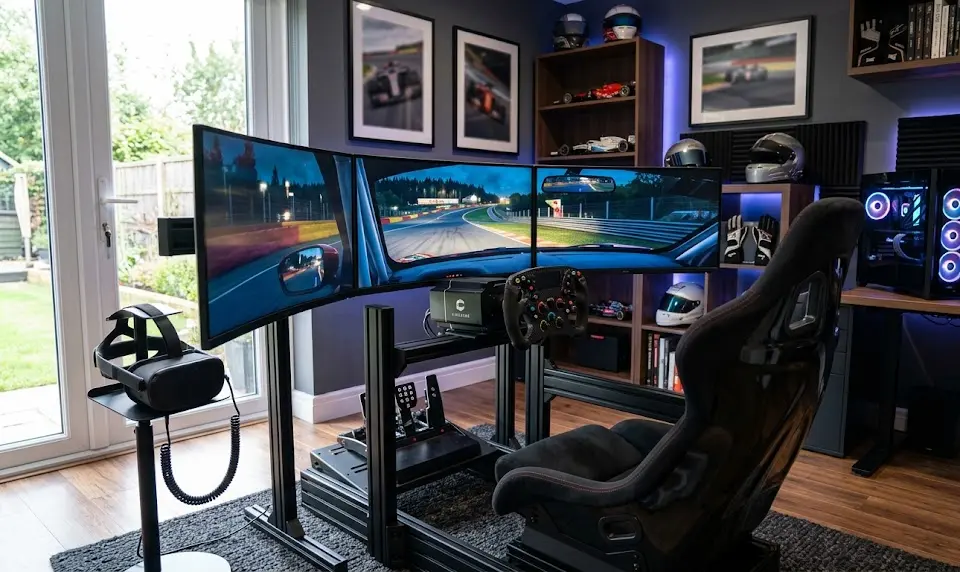
Core Components of a Sim Racing Setup—Entry Level to High End (2024)
Building a modern sim racing setup in 2024 is not just about bolting a racing wheel to your desk. It’s about matching your ambition and space to the right gear and not falling into the “upgrade trap.”
The 2024 choices can be summarized by three levels of investment and realism:
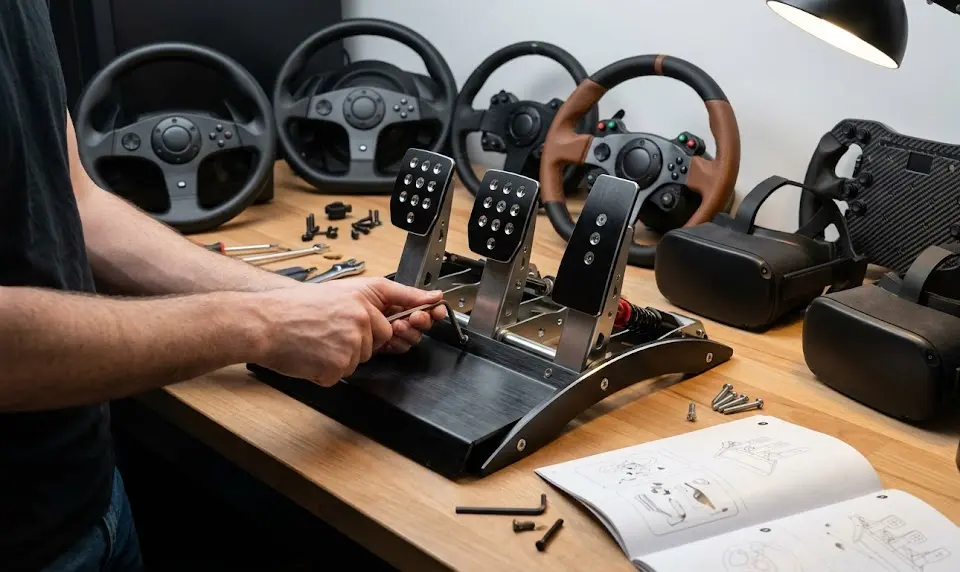
Entry Level: Budget Sim Racing Setup Essentials (For Beginners)
- Wheel: Gear or belt driven, 2–5 Nm torque (e.g. Logitech G29, Thrustmaster T248).
- Pedals: Plastic/metal, potentiometer brakes (linear feel, lower durability).
- Cockpit: Foldable or compact wheel stand/cockpit (GT Omega Apex, Next Level Racing F-GT Lite). Designed for quick setup, easy storage—but prone to flex with stronger wheels.
- Monitor: Single 1080p or 1440p, or start with your main PC display.
Ideal for those testing the hobby or with very limited space. Expect some compromises in realism and hardware lifespan.
Mid-Range: Performance/Immersive Sim Racing Setup
- Wheel: Direct drive wheels (DD), 5–12 Nm torque (Fanatec CSL DD, Moza R9). Demands a sturdier, fixed cockpit to harness the power.
- Pedals: Load-cell pedal set—huge leap in consistency and real-car feel compared to potentiometer types.
- Cockpit: Rigid steel or hybrid frame with real racing seating, better pedal/wheel adjustment.
- Display: Higher refresh, larger/curved monitor or a midrange VR headset for true 3D depth.
Best choice for most enthusiasts wanting strong immersion, upgradable components, and fewer comfort issues during longer stints.
High-End: Serious Racing Simulator Setup
- Wheel: High-torque DD (15–25+ Nm), super-detailed feedback. Requires extruded aluminum/cnc-steel cockpits to prevent flex.
- Pedals: Hydraulic or ultra-high-res load-cell. Feels and responds like a real racecar. Highest durability and adjustment.
- Cockpit: Full 8020-style modular with support for motion, easily handle wheel upgrades and accessories like shifter/handbrake mounts.
- Display: Triple 4K monitors and/or high-end VR (consider FOV, comfort, lens type for sim racing—not just gaming specs).
You’re entering pro-sim territory here, with costs rising fast. Best suited to those sure they’ll stick with the hobby or aiming for esports/driver training.
Need more immersive gear inspiration? Check out our ideas for a scorpion gaming setup or see how to trick out your station with the latest RGB gaming accessories.
Curious what a premium gaming desk chair adds? Visit our ergonomic gaming chair picks for 2026.
Major Beginner Pain Points—And How to Dodge Them
Even with the right intent, many beginners trip up setting up their first sim racing cockpit or racing wheel setup for PC. Here’s a practical look at what’s most commonly reported, and how to avoid expensive mistakes:
| Pain Point | What Happens? | How to Solve |
|---|---|---|
| Space & Storage | Bulky rigs or non-folding cockpits overwhelm small rooms; nowhere to stow gear. | Choose foldable stands (GT Omega Apex, NLR F-GT Lite) or modular rigs designed for easy dismantling. |
| Rigidity Flex | Flexible stands/cockpits introduce play in wheel and pedals, especially with direct drive—ruins force feedback realism. | Research rigidity for your wheel’s torque—upgrade to steel or aluminum cockpit early if you plan to move up to DD wheels. |
| Compatibility Issues | Mounting patterns for wheels and pedals mismatch cockpit—makes install impossible without DIY drilling or expensive adaptors. | Always cross-check mounting compatibility. If possible, see manufacturer checklists or community wiki pages before buying. |
| Upgrade Trap | Buy cheap, then need to replace most or all components (cockpit, pedals, display) after only a few months as needs increase. | Prioritize upgradeable, modular gear over “starter kits.” Avoid ecosystem lock-in unless you’re sure you’ll stick with one brand. |
| Comfort & Adjustability | Aches, bad posture, or poor viewing angles due to limited seat/pedal/wheel adjustments—common with cheapest rigs. | Pick cockpits with multi-point adjustability; consider an over ear headset for comfort and immersion. |
| Underestimated Full Cost | Hardware plus DLC/software, possible PC upgrades, and wear-out adds up—costs spiral well beyond planned budget. | Plan for games, DLC, replacement pedals/seats, VR upgrades at the budgeting stage—not as afterthoughts. See our pre built gaming pc guide for realistic PC costs. |
| VR Complexity | VR set up is tricker than monitors, requires space and strong PC; some users experience motion sickness. | Don’t make VR your first investment—master core hardware first, then upgrade. If you do go VR, research DLSS 5 and GPU optimization for smooth sim sessions. |
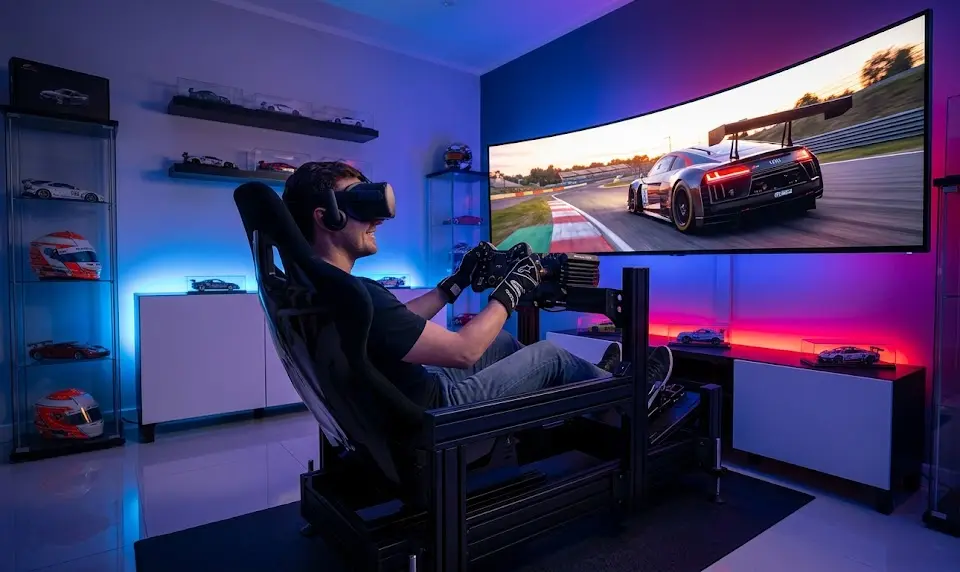
Conclusion
Building the right sim racing setup in 2024 means more than just buying gear—it’s about future-proofing your investment, dodging costly beginner errors, and unlocking real performance and immersion gains. Focus on rigidity, compatibility, and upgradability, not just specs or flash. Understand your upgrade path and hidden costs early and you’ll get more out of the racing simulator setup journey. For those adding VR, prioritize comfort and clarity over sheer headline specs.
Ready to craft your own sim racing cockpit or level up your beginner sim racing setup? Check mounting patterns, plan your ecosystem, and invest in core components before chasing high-end visuals. Whether you’re starting basic or going full pro, the right foundation leads to the best sim racing setup—now and as hardware evolves. Time to race smarter.
FAQ
What’s the best sim racing setup for absolute beginners on a budget?
Start with a gear-driven wheel like the Logitech G29 or Thrustmaster T248, pair it with a foldable wheel stand (GT Omega Apex, Next Level Racing F-GT Lite), and use your existing monitor or TV. Avoid full cockpit sets with unbranded wheels or pedals and prioritize future upgrade compatibility.
Why is rigidity so important in a sim racing cockpit?
Rigidity translates the forces from the wheel and pedals accurately, avoiding play or flex that ruins feedback, braking feel, or driving precision. High-torque direct drive wheels in particular demand aluminum or heavy steel cockpits for safety and realism.
Should I buy VR or invest in better pedals first?
Most performance-focused racers see bigger gains from upgrading to load-cell pedals and a sturdy cockpit before VR. VR is best added once the core hardware is set—consider user comfort, FOV, and clarity specific to sim racing titles.
How do I avoid the “upgrade trap” with my first racing simulator setup?
Research compatibility and upgradability before purchase. Choose modular cockpits, check future wheel/pedal mounting support, and avoid ecosystem lock-in unless committed. Plan for hidden costs—games, DLC, PC upgrades—so you aren’t forced to replace everything in a year.
Which brands are most reliable for cockpits and stands in 2024?
Next Level Racing, GT Omega, and Trak Racer rank high for reliability and long-term compatibility per 2024 buyer guides. If going for high-torque direct drive, look for 8020-style aluminum rigs or top-end models from these brands.
—
