

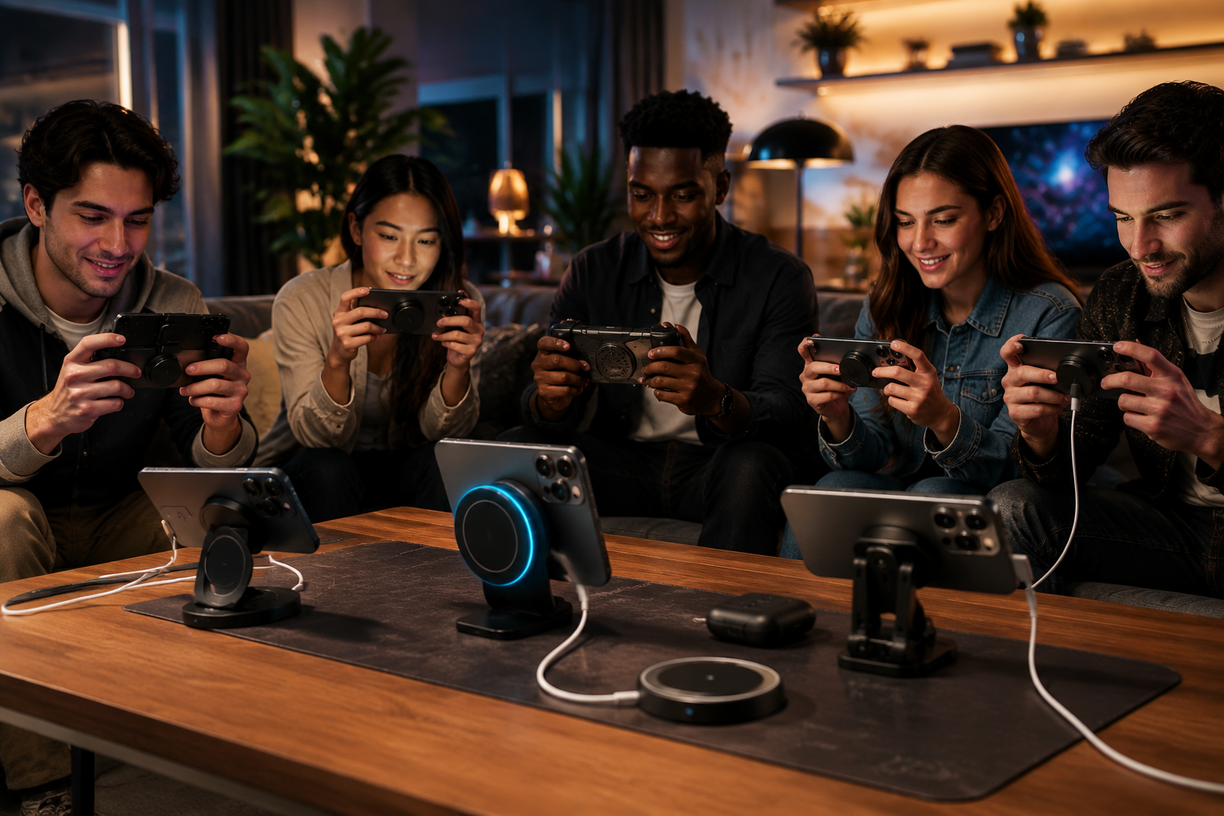
MagSafe gaming accessories have quickly redefined the mobile gaming landscape for iPhone users, letting anyone assemble a powerful, modular gaming setup in minutes. But are these magnetic add-ons truly ready for long, demanding game sessions in 2024, or do hidden pitfalls still hold them back? Here’s a buyer’s guide rooted in hard data, hands-on feedback, and field-tested strategies to help you build an ergonomic, high-performance MagSafe gaming ecosystem—without wasting money or risking device safety.
Key Takeaways
- The MagSafe accessory market exploded to $4 billion in 2024, with third-party innovation delivering hundreds of iPhone gaming accessories—but not every product solves real gamer pain points.
- Secure magnetic strength, true gaming ergonomics, and compatibility with thick cases or fast 25W MagSafe charging are must-haves for building a reliable magnetic phone gaming setup.
- Expect to pay anywhere from $8 for stick-on MagSafe rings to $250 for premium stands and controller mounts—buying the right tier minimizes wasted spend and maximizes comfort for every genre.
- Why MagSafe Gaming Accessories are Dominating the Market in 2024
- Step-by-Step Guide: Building Your MagSafe Gaming Ecosystem
- Advanced Analysis & Common Pitfalls
- Conclusion
- FAQ
Why MagSafe Gaming Accessories are Dominating the Market in 2024
Since Apple returned MagSafe to the spotlight, iPhone gaming accessories have been a hub for creative hardware breakthroughs—and for good reason. The global MagSafe accessories market soared to roughly $4 billion in 2024, with over 600 brands jumping in and a projected 8%–9% annual growth through 2033 (source). China, Europe, and South Korea rapidly expanded their own ecosystems, but the real accelerant is mobile gaming: high-refresh displays, console-class processors, and the iPhone 16/16 Pro’s 25W MagSafe charging created demand for fast, ergonomic, safe accessories fit for long play sessions.
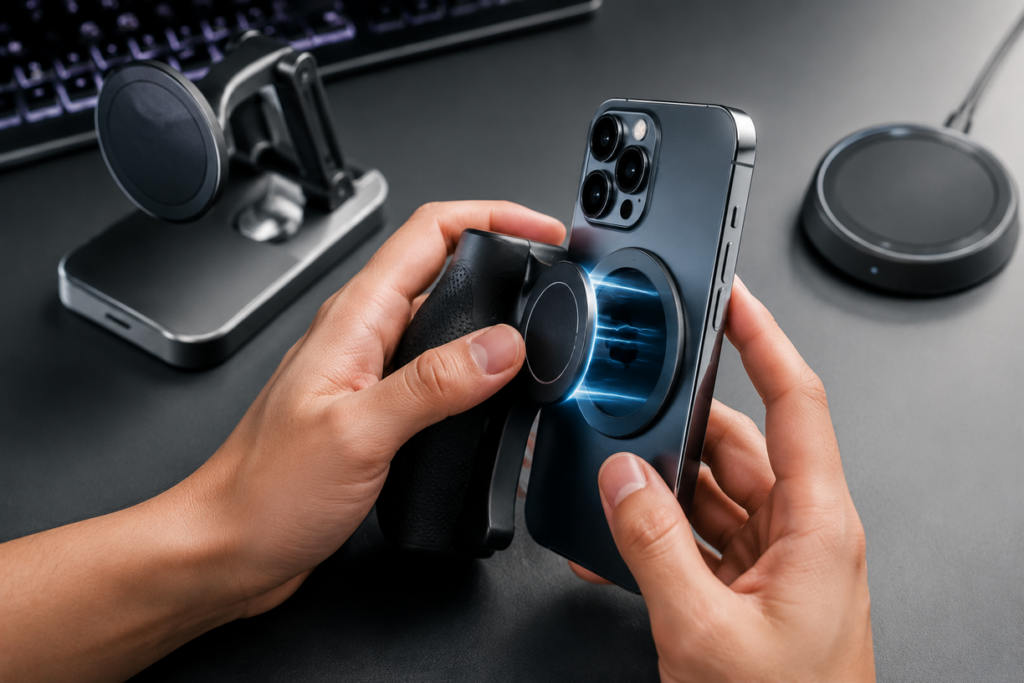
Whether you’re upgrading from basic phone stands or diving into console-style grips and wireless charging docks, the best MagSafe gaming accessories solve the pain of clutter, hand fatigue, and messy charging. They unlock modular setups that are competitive (for shooters), comfortable (for racing and RPG fans), and convenient for creators—even supporting magnetic tripod adapters and streaming add-ons (source).
But not every product is actually built for high-intensity gaming. Real user reviews and forum threads show a clear trend: gamers want accessories that stay attached during frantic play, don’t interfere with fast charging or thick cases, and hold up over months of abuse.
Step-by-Step Guide: Building Your MagSafe Gaming Ecosystem
Here’s a granular, actionable approach for assembling a magnetic phone gaming setup that performs in the real world. Follow these steps to avoid the most common pitfalls and future-proof your investment.
Assess Your Core Needs
List your top three iPhone gaming genres (shooters, racing, RPGs, etc.). Do you prioritize response time (for shooters), stability (for racing), or comfort (RPGs, casual)? Consider whether you change cases or often use wireless charging.
Choose the Right MagSafe Phone Grip
Aim for magnetic strength >1500 gauss for stable “MagSafe phone grip gaming.” Avoid chunky, permanently-attached solutions—they can interfere with heat dissipation and wireless chargers.
Pick an Adjustable Magnetic Stand or Mount
For home, desks, and multi-hour play, find a stand with solid geometry and adjustable angles. If you’re often mobile, opt for foldable options that don’t add much weight. Popular options now include stands with integrated cooling fans; see our phone cooling fan for gaming guide for combo picks.
Test Controller Compatibility (If Needed)
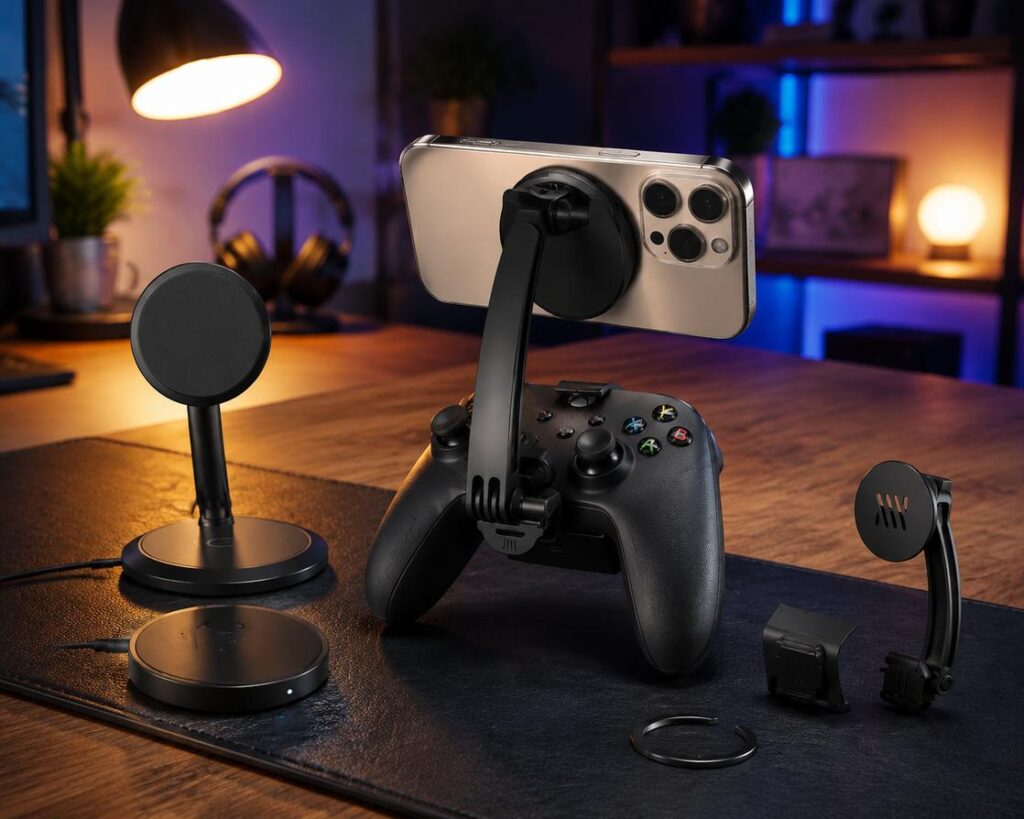
For console-style or racing games, connect a Bluetooth or USB-C controller. Use adapters designed for the iPhone 16/16 Pro’s wider body and stronger magnets; these increase comfort and prevent accidental disconnects. If you need plug-and-play solutions, explore controller adapters.
Double-Check Wireless Charging Integration
Ensure stands and grips don’t block or slow down Qi2/MagSafe 25W chargers. Many lower-cost magnetic rings and some “wallet” grips will reduce charging efficiency or physically block the coil area.
Look for Added Ergonomics
For extended sessions, invest in ergonomic, palm-supporting designs. Supplement your core setup with a best ergonomic gaming mouse, gaming sleeves, or posture-supporting add-ons as needed.
Cost Breakdown: What Should You Spend?
- Entry-level MagSafe rings, basic phone stand: $8–$25
- Quality phone grips+wrist straps: $15–$40
- Ergonomic pro gaming stands or palm rests: $60–$120
- controller adapters or cooling mounts: $29–$99
- Premium multi-function (charging + stand + tripod): $120–$250
Tip: Start with a single, well-reviewed mid-tier grip (not a bundle). Test for a week of real play before upgrading further.
This pricing holds true for 2024, with the market offering a full range—see
market insights for details.
For more immersive upgrades, pairing your setup with a gaming headset with surround sound or adding RGB gaming accessories can further elevate your experience.
Advanced Analysis & Common Pitfalls
Industry research and real-world user complaints consistently highlight the following pitfalls—and ways to avoid them:
| Common Problem | What Causes It | How to Avoid |
|---|---|---|
| Magnet Weakness/Wobble | Underpowered magnets; thick or non-MagSafe cases; poor accessory alignment. | Buy grips/stands with >1500 gauss; always test fit with your case before gaming in public/competitive settings. |
| Bulk/Ergonomic Failure | Overly thick grips, stands that block hand movement, or designs not made for gaming. | Prioritize slim, contoured products with textured anti-slip finishes and palm support that conforms to your hold style. |
| Device Damage/Scratches | Cheap metal edges, poor rubber coatings, or unshielded magnets scrape iPhone finish or scratch camera glass. | Require soft, rounded, non-metal surfaces where the device contacts; check for protective films included in box. |
| Heat Buildup (Overheating) | Non-ventilated back grips, incompatible cases, charging pad overlap blocking airflow. | Select mesh or ventilated grip/stands and remove non-vented cases during charging/gaming marathons. |
| Compatibility Gaps | Case thickness or third-party shells block magnetic field, new iPhones require stronger magnets to hold at higher power (25W charging). | Reference manufacturer compatibility lists for both case and device models; check Reddit reviews for off-label fit reports. |
What Most Guides Overlook in 2024:
- The impact of 25W MagSafe charging—older grips and stands may overheat, disconnect randomly, or become unreliable during high-draw gaming and charge sessions.
- Thicker or creative iPhone cases (including wallet and battery cases) kill magnetic strength and stability. Always test before assuming compatibility.
- Few products are truly designed for 3–5 hour comfort: prioritize models with ergonomic certifications or user benchmarks for sweat and fatigue.
- If you’re building a battle station, improve posture and minimize fatigue with a best ergonomic gaming chair.
For expanded analysis on emerging gaming ergonomics, see our detailed gaming setup essentials checklist.
Conclusion
As the marketplace saturates, real value comes from accessories that bring MagSafe gaming accessories in line with real-world iPhone gaming needs: secure hold, comfort, and compatibility. Most pain points—magnet slippage, charging blockages, heat, and scratches—can be avoided with smart shopping and a focus on ergonomic design. Don’t settle for any “magnetic phone gaming setup”—invest in components that match your games, case, and play habits. Ready to build your ultimate MagSafe gaming loadout? Start now and share your favorite finds or questions below.
FAQ
Are all MagSafe gaming accessories safe for long sessions?
Most current-gen magnetic grips and stands are safe for 1–3 hour sessions if they use non-metal surfaces and support heat dissipation. Extended 4+ hour gaming marathons—especially while wireless charging—require models with extra ventilation and soft contact points. Test new accessories before committing to long sessions.
Do MagSafe phone grips work with thick or third-party iPhone cases?
Many magnetic gaming accessories lose strength with super-thick or off-brand cases. Look for accessories with universal alignment guides, higher gauss magnets, and third-party compatibility lists. Always test before buying if your case is over 2mm thick or includes added wallets/batteries.
Can magnetic stands or grips interfere with iPhone wireless charging?
Yes—some cheaper metal wallets, thick stands, or poorly designed grips can block or slow wireless charging. Match accessories marked specifically as “MagSafe charging compatible” and check user reviews for actual charging speeds with your iPhone model.
How much should I budget for a complete MagSafe gaming setup?
A basic MagSafe magnetic ring and stand combo starts at around $20–$30. Expect $50–$120 for a mid-range grip/stand/controller and $120–$250 for premium all-in-one magnetic stands with charging, cooling, and controller add-ons. Fit your budget to your actual gaming priorities.
What’s the most important upgrade for mobile gaming comfort?
Start with a high-strength, ergonomic MagSafe phone grip. Adding a proper gaming chair or adjustable light bar—a monitor light bar for gaming—and surround headset maximizes comfort for longer play.

- MagSafe-Compatible Phone Stand for Desk: iPhone holder for desk for iPhone 17 Pro Max (Air), iPhone 16/15/14/13/12, MagS…
- Face-Level View: Magnetic phone stand for desk with adjustable height (9 to 13″), 360° rotation, 55° tilt; MagSafe-compa…
- Unshakable Stability: iPhone desk stand that doesn’t tip over made from stable, wide, weighted metal alloy base with EVA…
- Everyday Flexibility: Hands-free iPhone stand (MagSafe-compatible) for desk conference, family video calls; Apple iPhone…
- Secure Desk Tripod for iPhone: Tilting, rotating magnetic phone holder for desk (MagSafe compatible); tall iPhone Stand …

[…] Understand Trade-Offs Shielded cases are typically thicker (0.3–0.6mm added) and cost 20–40% more, but for many, the assurance of S Pen accuracy is worth it. Explore more about MagSafe gaming accessories […]
[…] level of comparison becomes crucial if you’re also weighing MagSafe accessory compatibility or want a case that stays grippy after months of gaming or content creation. For dedicated desk […]
[…] For more on MagSafe gaming accessories guide, check our MagSafe gaming accessories guide. […]
[…] reference, if you’re a gamer or productivity user, check out MagSafe gaming accessories for advanced compatibility details, and slim alternative case reviews if you’re considering […]
[…] highlights include reinforced metal-inserted corners for better impact resistance, precise MagSafe coil alignment, and laser-cut camera and button openings. Each case is tested for wireless charging […]
[…] users with more varied device needs should weigh other modular MagSafe wallet attachments (see our MagSafe gaming accessory guide for universal […]