

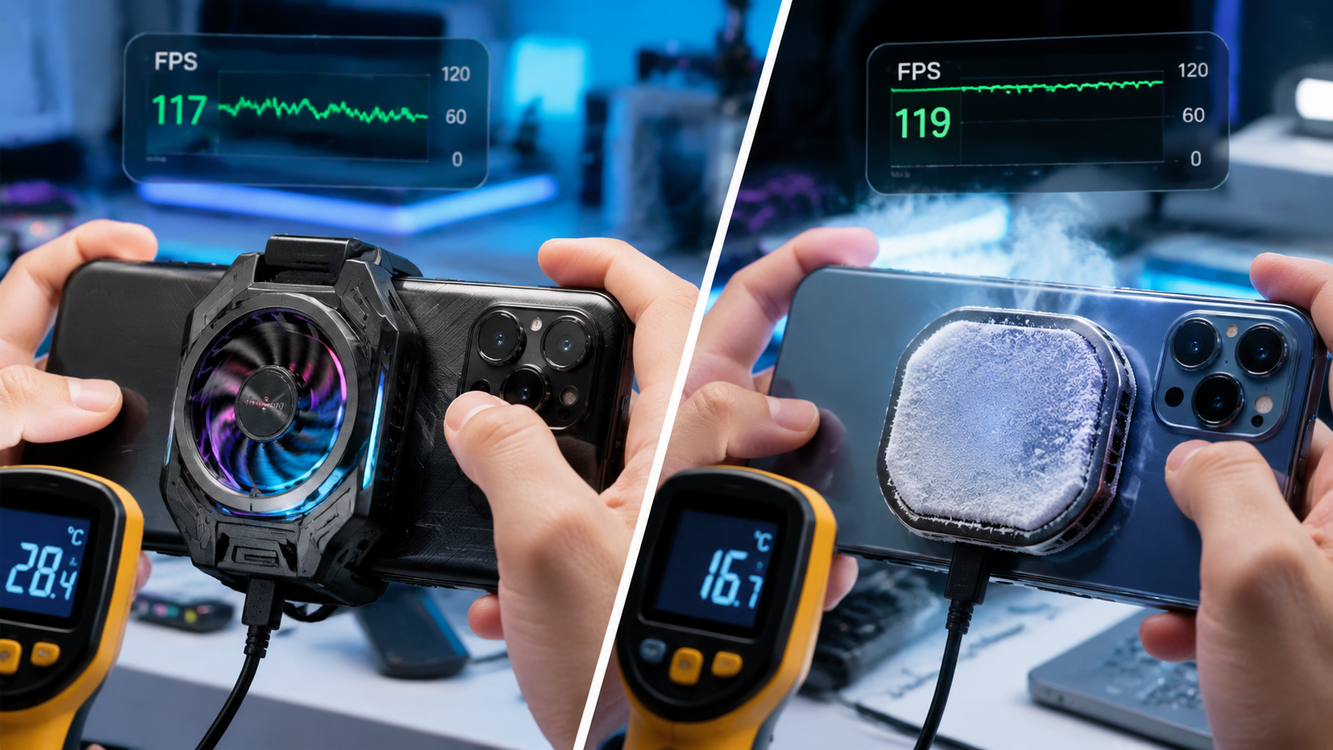
Phone cooling fan for gaming is no longer a gimmick. If you play PUBG Mobile, Genshin Impact, or any fast-paced mobile game, you know just how quickly your device heats up—destroying FPS, draining the battery, and sometimes even closing your apps. In this guide, we break down which phone cooling fans actually work, what to avoid, and real-world performance data so you can pick the right mobile gaming cooler for your next marathon session.
Key Takeaways
- Magnetic Peltier phone cooling fans deliver the biggest temperature drops but may not fit with most cases and are heavier than clip-on coolers.
- Budget clip-on dual-fan designs provide enough cooling for stable 60 fps on PUBG Mobile with less noise and better case compatibility.
- Fan noise, clamp fit, added weight, and battery drain are the most common complaints—always check noise ratings and power types before you buy.
- Why Serious Mobile Gamers Need a Cooling Fan
- Lab-Tested Performance: Which Mobile Gaming Cooler Wins in 2024?
- What Gamers Hate: The Top Complaints About Phone Cooling Fans
- Beyond the Specs: What Most Reviews Miss (Case Compatibility, Long-Term Use & Tropical Heat)
- Cost vs. Performance: Are Magnetic Coolers Worth the Premium?
- What Specs Matter? How to Choose the Optimal Gaming Phone Cooler
- Warranties, Safety & Battery Health: What Protections Do You Get?
- Conclusion: The Right Gaming Phone Cooler for You
- FAQ
Why Serious Mobile Gamers Need a Cooling Fan
Overheating is a real problem for mobile gamers—not just for your phone’s life span, but for every session’s performance. Long matches in PUBG Mobile or Genshin Impact quickly ramp up CPU and GPU temperature. Once your phone gets too hot, you lose FPS, see lag spikes, and may even experience forced shutdowns. According to independent testing, using a phone cooling fan for gaming—especially clip-on dual-fan designs—can stabilize a phone’s surface temperature at 34–35 °C. On mid-range Snapdragon 7-series devices, this is the difference between throttling down to 38 fps and keeping a rock-solid 60 fps, especially in 40-minute or longer ranked games.
Lab-Tested Performance: Which Mobile Gaming Cooler Wins in 2024?
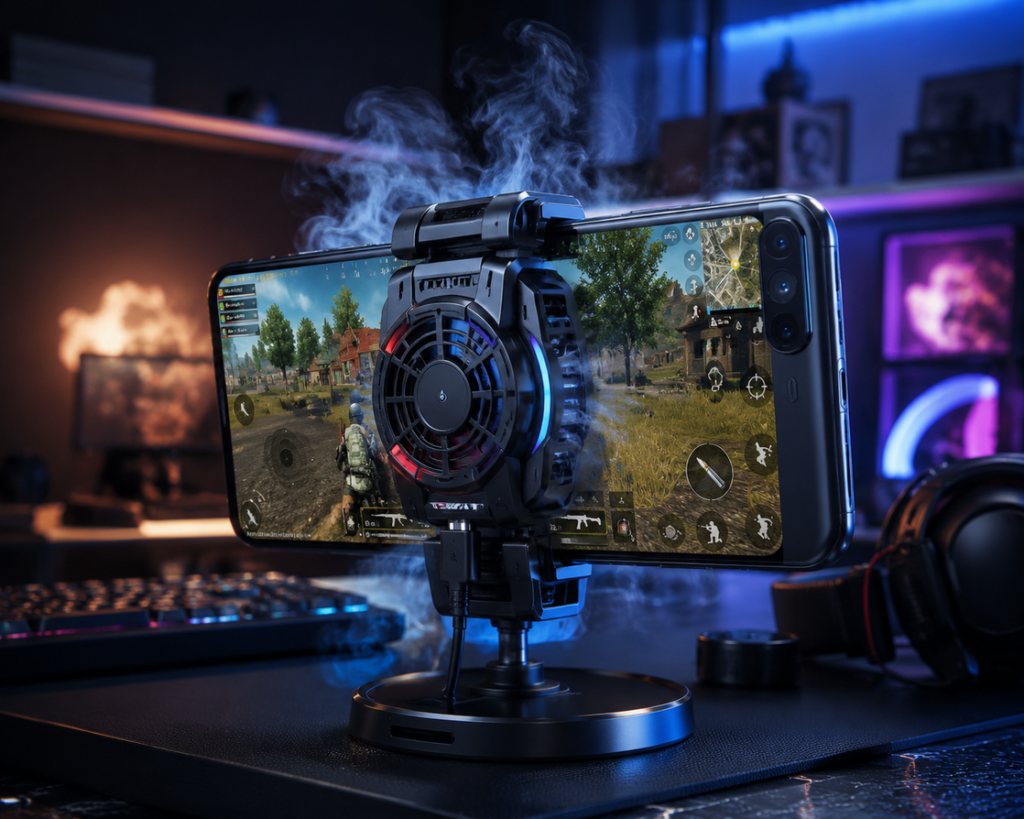
Every gamer wants the best phone cooler for PUBG Mobile—but actual data is what separates the hype from the honest performers. Recent tests compared top models, including magnetic Peltier (TEC) coolers and classic clip-on dual-fan units. Here’s what the numbers say:
- Red Magic Cooler 4 Pro (magnetic/TEC): Drops phone temps by 15–18 °C, from 48 °C down into the low 30s—even with Genshin Impact and PUBG Mobile set to max graphics. Maintains 60 fps for 30–45 seconds longer before thermal throttling starts.
- Clip-on Dual-Fan Coolers (Cx08 Pro, Baseus, PIVA X30): Lower surface temps by 3–5 °C on flagships for 5–10% higher average FPS, longer before frame drops. On midrange phones, they keep performance steady for entire Battle Royale rounds.
- Hybrid Devices: Mix Peltier and blowing fans, but with fewer proven real-world gains over magnetic-only or dual-fan units, and at a much higher price.
For a typical PUBG Mobile session, budget clip-ons work if you care more about comfort and fit, but if you want to truly stop throttling on top-tier hardware, a magnetic phone cooling fan is the clear leader.
For more data-driven breakdowns and lab-tested product insights, check resources like the Nubia RedMagic Cooler performance review.
Want audio or controller upgrades too? See our best surround sound headset for gaming 2026 guide and USB C mobile gaming controller picks for seamless multi-accessory mobile play.
What Gamers Hate: The Top Complaints About Phone Cooling Fans
Even the best cooling fan isn’t perfect. User complaints cluster around a few issues you should know before buying:
- Fan Noise: Most dual-fan or magnetic coolers hit 30–40 dB. That’s as loud as someone talking nearby—bad for in-game voice chat.
- Clamp Blockage: Many clip-ons press on your volume or power buttons, or squeeze phone cases, making it hard to game with a grip or cover.
- Weight: Magnetic phone cooling fans with built-in batteries provide 10–20 minutes of runtime but make your rig noticeably heavier, causing hand fatigue in long sessions.
- External Power Annoyance: Budget models often need USB-C power during play, making cable management tricky—especially for claw-grip players.
- Case Compatibility: Magnetic and stick-on options almost always require a naked phone. Heavy-duty cases, rugged covers, or even mid-thickness silicone can block contact and cooling performance.
Most users in real-world discussions (see this Reddit thread) recommend testing the fit and listening for fan whine before committing. Want to address hand comfort too? Read about ergonomic gaming mice and gaming chairs for posture support—overheating is only part of the battle.
| Cooler Type | Cooling Drop (°C) | Noise (dB) | Battery/Power | Main Complaint | Price (USD) |
|---|---|---|---|---|---|
| Magnetic/Peltier | 15–18 | 35–40 | USB-C / Built-in (short runtime) | Heavy, poor case fit | $22–38 |
| Dual-Fan Clip-on | 3–5 | 28–35 | USB-C / Some battery | Clamp blocks buttons | $18–32 |
| Hybrid | 8–10 (rare/lab only) | 38–42 | Both / Complex | Unreliable, heavy, no real advantage | $35–48 |
Beyond the Specs: What Most Reviews Miss (Case Compatibility, Long-Term Use & Tropical Heat)
Specs sheets don’t tell the whole story. Issues like case compatibility, device safety, and performance in extreme heat matter almost as much as cooling wattage or RPMs. Here’s what reviewers often miss:
Case Compatibility
Magnetic phone cooling fans usually require direct contact with your phone’s bare glass or a special MagSafe casing. If you use a non-magnetic rugged case, most coolers—especially magnetic types—simply will not work. Clip-on fans fit a wider range but can still loosen or block buttons on thick cases.
Long-Term Safety
Prolonged use of magnetic TEC coolers draws extra power, potentially causing short-term battery drain if you use internal batteries. There’s no strong evidence of permanent harm, but sustained high power draw does heat your phone’s battery, which long-term could impact battery capacity. Most buyers notice faster battery drain on budget coolers with weak fan motors—they simply can’t keep up during multi-hour gaming.
Tropical & Humid Climates
In hot/humid rooms, magnetic Peltier coolers get hit twice: their surface can build up condensation (risking liquid damage) and their cooling cycles shorten as the ambient heat overcomes their power. Clip-on dual-fan coolers fare better in these settings thanks to open airflow design, but won’t deliver the same cooling leap.
For additional context on accessory longevity and real-world challenges, check out buyer insights in the Alibaba phone cooler guide.
Need RGB and a setup upgrade? Dive into our RGB gaming accessories guide or outfit your setup with a monitor light bar for eye strain.
Cost vs. Performance: Are Magnetic Coolers Worth the Premium?
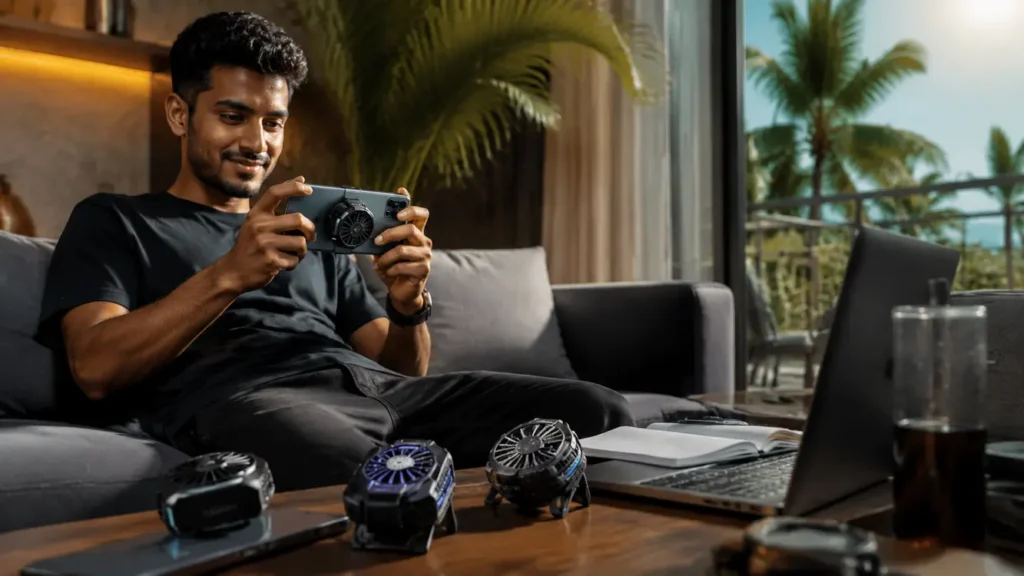
The price gap is real. Magnetic Peltier coolers cost $22–38 and offer hands-down the fastest chill, but their added weight, shorter runtime, and awkward case fit rule them out for some mobile gamers. Standard clip-on fans range from $18–32 and offer enough cooling to maintain 60 fps in most battle royale matches for most players. Hybrid models (mixing fans and TEC) push $35–48 and often aren’t worth the upsell.
- If you main ranked PUBG Mobile and want every competitive edge, the extra cooling intensity from a premium magnetic phone cooling fan may be worth it—just plan for cable power and naked phone use.
- On a budget? A reliable clip-on dual-fan cooler is the best phone cooler for PUBG Mobile that won’t kill your wallet or squeeze your device to death.
- Prioritize comfort and battery health? Go basic with a lightweight, mid-tier cooler, and invest savings in playtime upgrades like a silent switch gaming keyboard for your mobile/PC crossover sessions.
See the phone cooling real-world guide for more price/performance breakdowns.
What Specs Matter? How to Choose the Optimal Gaming Phone Cooler
Specs are your survival toolkit. Always check these before buying a mobile gaming cooler or gaming phone heat solution:
- Fan RPM: Above 8000 for real airflow under stress.
- Power Type: USB-C passthrough vs. internal battery; internal means less cable mess but higher weight and shorter runtime.
- Weight: More than 90g adds fatigue in long matches—especially for claw or landscape players.
- Cooling Method: Peltier/TEC for max intensity, dual-fan for balance, hybrid is rarely worth it.
- Phone Size Support: Double-check max width—long phones (over 165mm tall) sometimes won’t fit cheaper clip-ons.
Bigger numbers aren’t always better. Prioritize ergonomic balance, fitting your phone, and a noise rating under 35 dB if you care about voice chat quality. Combine smart cooling with an ergonomic gaming chair for a next-level long-session setup.
Warranties, Safety & Battery Health: What Protections Do You Get?
Few brands offer robust protection for cooling fans. Most provide only a 3–6 month limited warranty. Safety features include automatic shutdown for overcurrent or overheating, but user-reported cases of device damage are rare.
Be aware: magnetic phone cooling fans may cause electromagnetic interference with some wireless chargers or NFC functions, though clear problems are uncommon in mainstream brands. Current evidence points to possible short-term battery drain (especially for built-in battery coolers), but there are no well-documented cases of actual long-term battery damage from using a cooler properly.
Always check your manufacturer’s website or packaging for exact warranty terms and recommended usage, particularly for expensive magnetic models. Looking for more on hardware reliability? See our pre built gaming PC guide for in-depth longevity tips across gaming accessories.
Conclusion: The Right Gaming Phone Cooler for You
The best phone cooling fan for gaming is the one matched to your needs—not just the one with the fanciest specs. For most PUBG Mobile and Genshin Impact players, a dual-fan clip-on is enough for stable 60 fps. If you chase records or play in very hot conditions, upgrade to a magnetic phone cooling fan, but expect a heavier, less case-friendly setup. Remember: check real decibel noise, fit, power source, and warranty before you buy, and combine it with ergonomic upgrades for long-term success. Ready to stop lag and play at your peak? Pick your best phone cooler for PUBG Mobile today—and enjoy smoother victories.
FAQ
Do phone cooling fans really work for gaming?
Yes, lab benchmarks show phone cooling fans—especially magnetic Peltier and dual-fan units—can lower device temperature by 4–18 °C and maintain higher FPS in games like PUBG Mobile. The key is matching cooler type and power to your device and game session length.
Will using a phone cooling fan hurt my battery?
Short sessions won’t cause harm, but using high-power magnetic coolers tied to your device battery can cause temporary faster drain. There’s no evidence of permanent battery damage with correct use, but always avoid blocking ventilation or using your phone while charging for hours with a cooler attached.
Can I use a phone cooler with my case?
Most magnetic coolers require direct contact, so thick or non-magnetic cases will block function. Clip-on fans are more universal but can press on buttons or loosen on thick/rugged covers. Always check manufacturer fit lists before buying.
Which fan is best for hot and humid climates?
Clip-on dual-fan coolers handle humidity better because they use open airflow. Magnetic Peltier devices can build condensation in high humidity, so extra caution or case removal is needed in tropical conditions.
How noisy are phone cooling fans?
Typical fan noise is 30–40 dB. That’s quiet enough for home use but may still interfere with voice chat. Check product details and user reviews for exact dB ratings before buying if you care about sound.

[…] options come from brands increasingly focused on gaming or hybrid remote setups—such as add-on cooling fans for hardcore phone gamers who want to safeguard not just the device, but performance during […]
[…] cover local device accessory trends further in our crossbody phone case and gaming phone cooler deep […]
[…] more hands-on real-world gaming accessory reviews and experience, check out our dedicated cooling fan review guide for PUBG Mobile and […]
[…] Most buyers look for three things: portability (quick to pack or swap), real cooling output (measured drop in device temp), and bonus features (integrated RGB, fan control, or multiple power modes). If you’re strictly after gaming ergonomics, see our in-depth cooling fan comparison. […]