

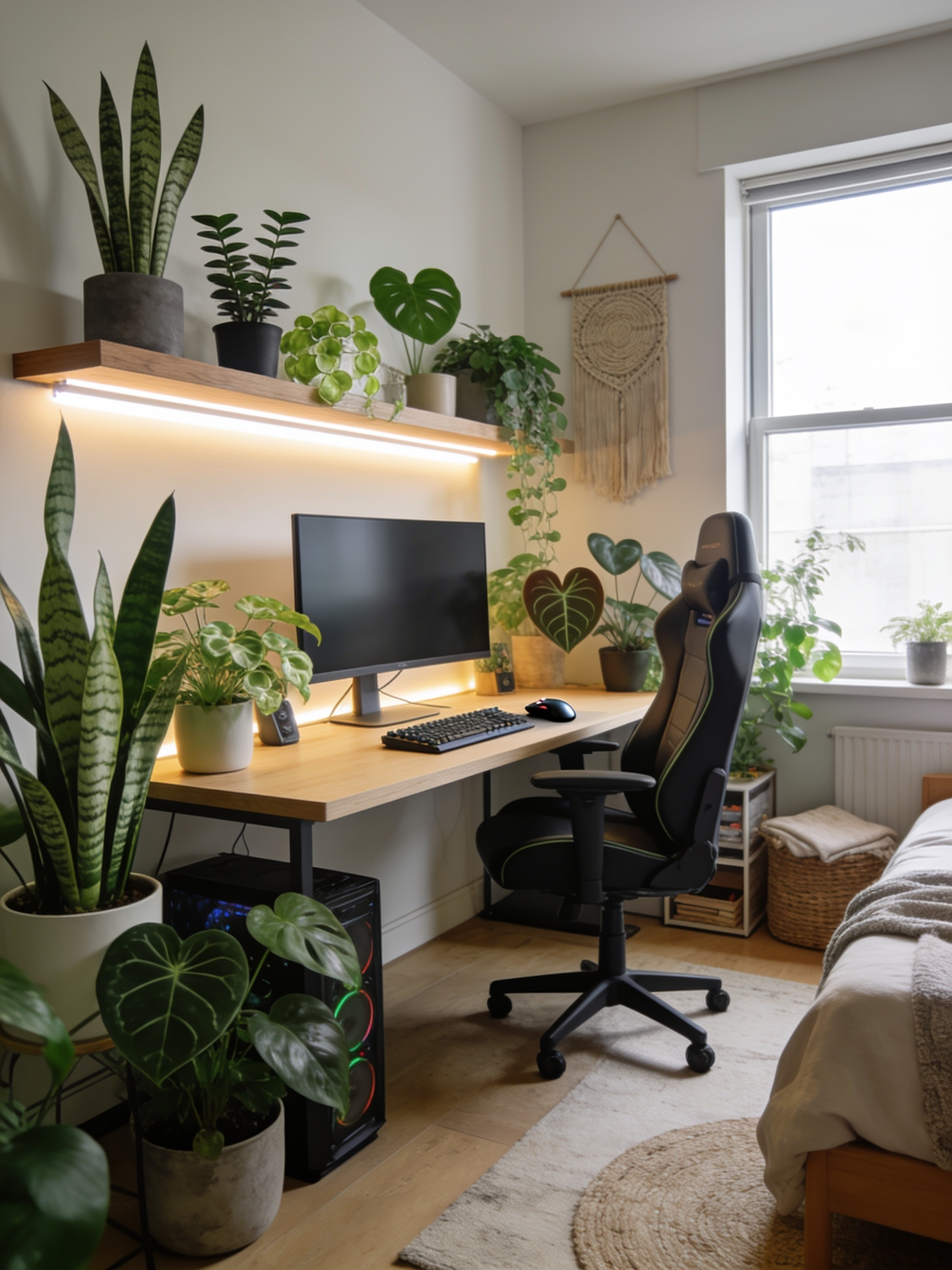
Biophilic gaming setup is reshaping how modern gamers design their battle stations—boosting focus, lowering stress, and turning typical RGB-centric spaces into relaxing, practical sanctuaries.
Key Takeaways
- Adding real plants, natural wood, and warm lighting instantly transforms gaming spaces, cutting stress and reducing screen fatigue.
- Low-maintenance plants and sustainable wood shelves offer style and wellness without extra hassle or care.
- Real-world cost, maintenance, and allergy/pet safety are important—biophilic setups aren’t always easier, but they make a measurable impact on how you feel and play.
- Why Biophilic Design is a Game Changer for Gamers
- Step-by-Step Biophilic Gaming Setup Guide
- Advanced Analysis & Common Pitfalls
- Conclusion
- FAQ
Why Biophilic Design is a Game Changer for Gamers
Biophilic gaming setup goes beyond “looking cool.” 2024 systematic reviews confirm that integrating live plants, wood, and natural daylight into work and play zones reliably lowers cortisol, reduces stress, and boosts focus—benefits that are critical for gamers facing marathon sessions or WFH pressure. Balanced daylight and task lighting actually lower visual fatigue and eye strain much more effectively than artificial-light-only setups. Plus, a cozy green gaming setup feels welcoming, not overwhelming, and balances screen-time with moments of real calm and restored motivation. [University of Essex Research]
Step-by-Step Biophilic Gaming Setup Guide
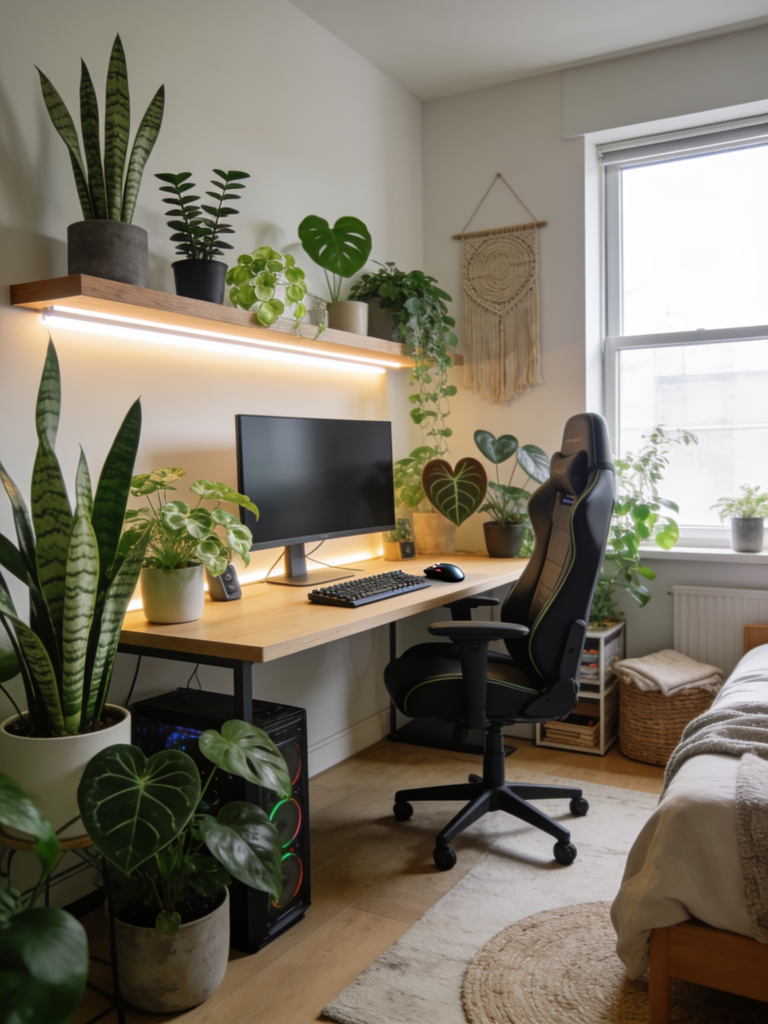
Ready to build a minimalist natural gaming setup that’s stunning, healthy, and zero-fuss? Here’s how to do it from scratch, painlessly:
- Assess Your Desk Position and Light.
- If there’s a window nearby, try to set your desk at a slight angle—this doubles as a daylight source for both you and your plants.
- No window? Use a daylight-spectrum desk lamp, and plan for plants that don’t need much sun.
- Choose Your Plants.
- Stick to ultra-low-maintenance options: snake plant, ZZ plant, pothos, heart-leaf philodendron. These thrive in low light, ignore missed waterings, grow slow, and rarely outgrow a desktop pot. [Expert Plant Guide]
- Avoid soil for desk setups if possible—opt instead for self-watering planters or hydroponic vases to reduce pests and spills.
- Always check for pet toxicity if you have cats or dogs. (For pet-safe, try spider plant or peperomia.)
- Add an Aesthetic Wood Desk Shelf.
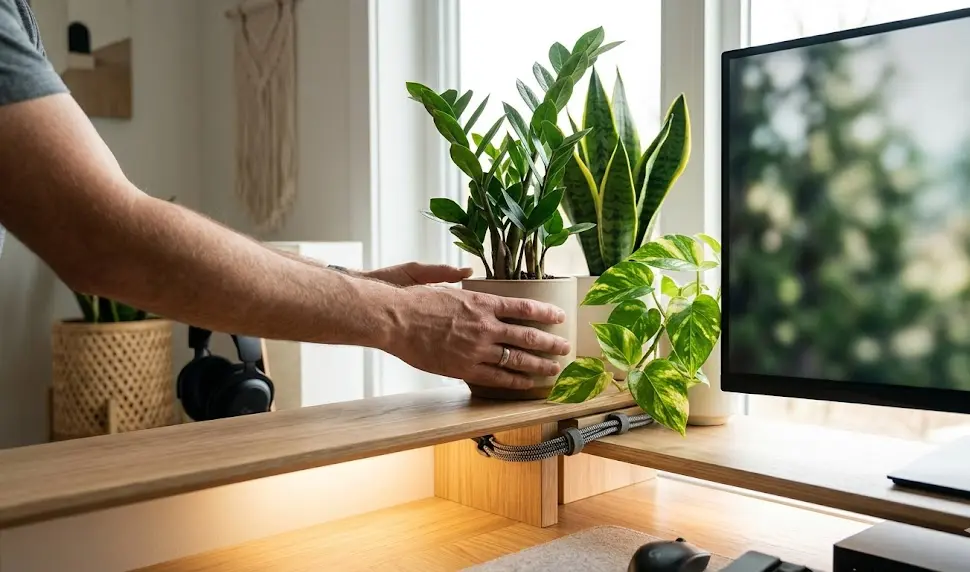
- Choose a compact, sustainable wood shelf for both function and design. Look for modular options with cable routing to hide power bricks and charger clutter. 2024’s most-loved brands include XYZ and ABC for walnut, white oak, or eco bamboo, with finishes that don’t outgas harmful VOCs. [Minimalist Desk Inspiration]
- Install Warm White LED Strips—for Mood and Eye Comfort.
- Skip harsh RGB for pure relaxation. Stick to 2700–3500K warm white LEDs—e.g., Govee RGBWW strips—or install dynamic lights that mimic daylight’s natural shift, which is proven to support mood and focus. [Lighting Science]
- Mount strips under shelf lips, behind monitors, or above plants for a diffused, atmospheric effect, never pointing LEDs straight at your eyes.
- Pair this with a monitor light bar for extra visual comfort during late sessions—see our monitor light bar gaming guide for top picks.
- Layer in Boho Style (If Desired).
- Mix things up with a knitted macramé planter, a jute or woven mousepad, or a splash of soft-pattern textile as a desk mat. Limit the extras to avoid crowding—less is more in a minimalist natural gaming setup.
- Optimize Ergonomics and Tech Integration.
- Pick a chair with posture support + natural textures (see this essential ergonomic gaming chair guide), use a silent switch gaming keyboard for low-key vibes, and stow cables with a wooden cable tray or desk grommet.
Advanced Analysis & Common Pitfalls
A biophilic gaming setup isn’t “set and forget.” Here’s what most gamers get wrong, and how to fix it:
- Plant Deaths from Over-Watering: Most user complaints center on yellowing or dropping leaves—caused 90% of the time by over-attention, not neglect. Water only when soil is dry. Self-watering planters or moisture meters eliminate guesswork. [Low-Maintenance Plant Tips]
- Pests: Desk plants can attract gnats if kept too soggy. Solution: Let soil dry, rinse leaves monthly, and use gravel, as above.
- Pet and Allergy Concerns: Snake plant, ZZ plant, and pothos are toxic to pets if chewed. For allergy or pet safety, consider alternatives like spider plant, cast iron plant, or air plants (tillandsia).
- Light Limitations: No daylight means slower plant growth, but most recommended desk plants tolerate LED-only setups.
- Clutter: Adding too many plants or décor items quickly transforms a cozy green gaming setup into a mess. Stick to the “rule of three”: one mid-size statement plant, one trailing vine, one small accent.
Biophilic vs. Classic RGB Gaming Setup: Cost and Impact
| Item | Cozy Green/ Biophilic Setup | Classic RGB LED Setup |
|---|---|---|
| Plants (real/low-maintenance) | $40-$80 (set of 3, lasting years) | $0 (fake/aesthetic only) |
| Aesthetic Wood Desk Shelf | $45-$120 (modular, real wood) | $35-$80 (MDF or plastic, RGB accents) |
| LED Lighting | $35-$70 (warm white, daylight mimicry) | $45-$120 (RGB addressable, multi-zone) |
| Accessories (Boho, textural) | $30-$60 (macramé, woven mat, glass vase) | $30-$60 (foam mats, RGB pad) |
| Total | $150–$330 | $110–$280 |
Prices are comparable—but biophilic setups provide proven mental and visual health benefits for a slight premium. For a deeper cost breakdown, see this aesthetic wood desk shelf and biophilic setup guide.
Want your setup totally pet-proof? Stick to air plants or go for decorative faux but realistic greenery on higher shelves. Just don’t compromise on lighting or run cables carelessly—ergonomics matter just as much as aesthetics. For more desk setup hacks, our gaming setup essentials checklist has actionable tips.
Conclusion
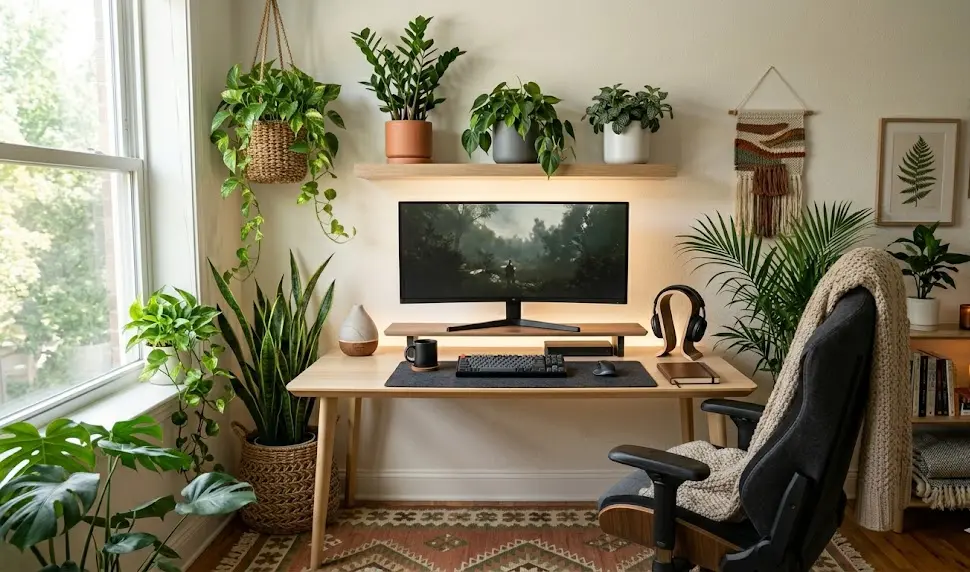
Upgrading to a biophilic gaming setup isn’t just about adding a plant or swapping out harsh lights. It’s a holistic approach that can improve your mental health, sharpen your focus, and make marathon gaming or work sessions less tiring. Whether you go full boho or strictly minimalist, remember: less clutter, intentional greenery, and thoughtful materials make all the difference. Ready to set up your own biophilic gaming setup? Start today and transform your gameplay and wellbeing—one leaf and LED at a time.
Want more inspiration, real-life examples, or in-depth gear reviews? Explore our guides on biophilic setups, gaming pillows for comfort, or discover the latest RGB gaming accessories for mixing styles. Your ideal gaming sanctuary starts here.
FAQ
What is a biophilic gaming setup?
A biophilic gaming setup combines real plants, natural materials like wood and stone, and quality daylight or warm lighting to create a stress-reducing, focus-boosting, and visually calming gaming station. It moves away from all-plastic or heavy-RGB aesthetics for healthier, more inviting game spaces.
Which low-maintenance plants are best for a gaming desk?
Snake plant, ZZ plant, pothos, and heart-leaf philodendron are best-in-class for desk setups. They need little water, tolerate low light, and thrive on neglect. For pet-safe alternatives, try spider plant or peperomia.
How do I keep pests away from desk plants?
Allow soil to dry fully between waterings, use a coarse gravel top layer to keep gnats away, and rinse leaves monthly. Check for pests when buying new plants—quarantine if needed.
Is a cozy green setup more expensive than classic RGB?
Cost is comparable—biophilic setups may cost $30–$60 more upfront, but bring lasting wellbeing and aesthetic benefits. Real plants last for years and need almost no ongoing spend.
Can I add biophilic elements even if my gaming desk is in a dark room?
Absolutely. Use low-light tolerant plants (like those listed), set up daylight-spectrum or warm white LEDs, and focus on natural materials or plant-themed artwork to get most benefits, even in windowless spaces.
—

[…] design: Virtually adds nothing to your phone’s silhouette; highly popular with those building minimalist tech setups or work desk […]
[…] RGB or customizable lighting for gaming setups (learn about desk aesthetics) […]