

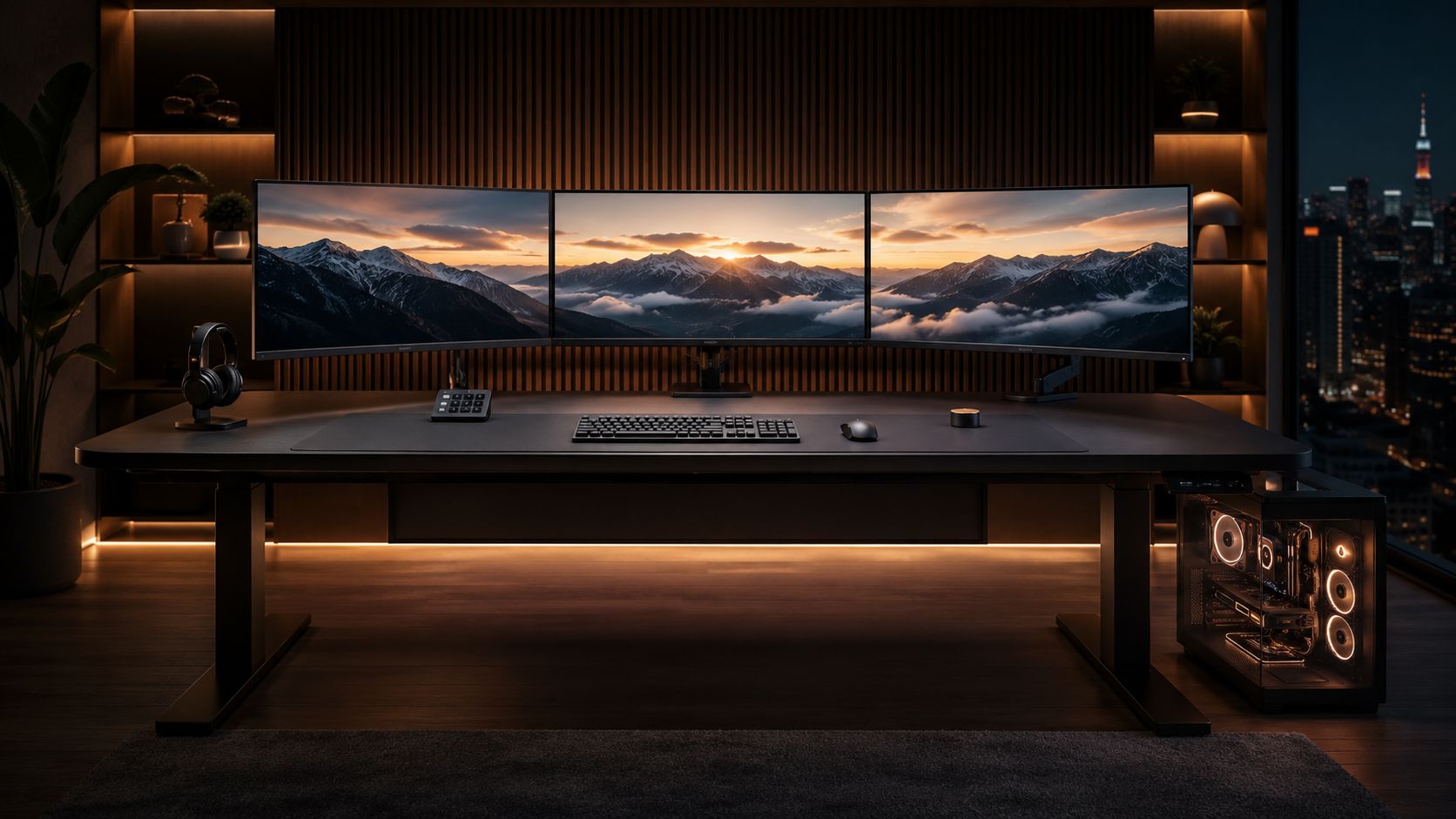
Secretlab Magnus Pro is not just another motorized gaming desk—it sets a new standard for creators, streamers, and gamers demanding top-tier magnetic cable management, deep stability, and futureproof ergonomics in large, multi-monitor setups.
Key Takeaways
- The Secretlab Magnus Pro dominates the premium motorized gaming desk segment with magnetic cable management and robust steel frame design.
- Stability and cable tray capacity can be challenged by heavy dual-monitor or streamer builds—understanding load limits is critical.
- Upgrading with Secretlab’s MAGPAD desk mat and accessories delivers a sleek, organized workspace but increases the total investment substantially.
- Why the Secretlab Magnus Pro Is Redefining the Premium Motorized Gaming Desk
- Step-by-Step: Planning and Building a Panoramic Magnus Pro Setup
- Advanced Analysis & Common Pitfalls: Real User Challenges and Desk Weaknesses
- Conclusion: Is the Magnus Pro Right for Your Multi-Screen Power Desk?
- FAQ: Secretlab Magnus Pro Buyer’s Questions
Why the Secretlab Magnus Pro Is Redefining the Premium Motorized Gaming Desk
The Secretlab Magnus Pro has become the market benchmark in 2024 for anyone wanting a heavy duty sit stand desk for gaming, streaming, or creative work. With the global premium motorized gaming desk market generating approximately $850 million in revenue this year, heavy duty models like Magnus Pro account for 45 percent of sales—and Secretlab’s growth is no accident.
What sets it apart? A dual-motor, all-steel frame ensures best-in-class load handling. Integrated magnetic desk cable management cleans up even panoramic dual or triple-monitor rigs with a single cable leaving the desk. This focus on cable invisibility and clutter control is why streamers and content creators put it at the top of their shortlist—especially as panoramic desk builds now account for 30 percent of premium desk sales (source).
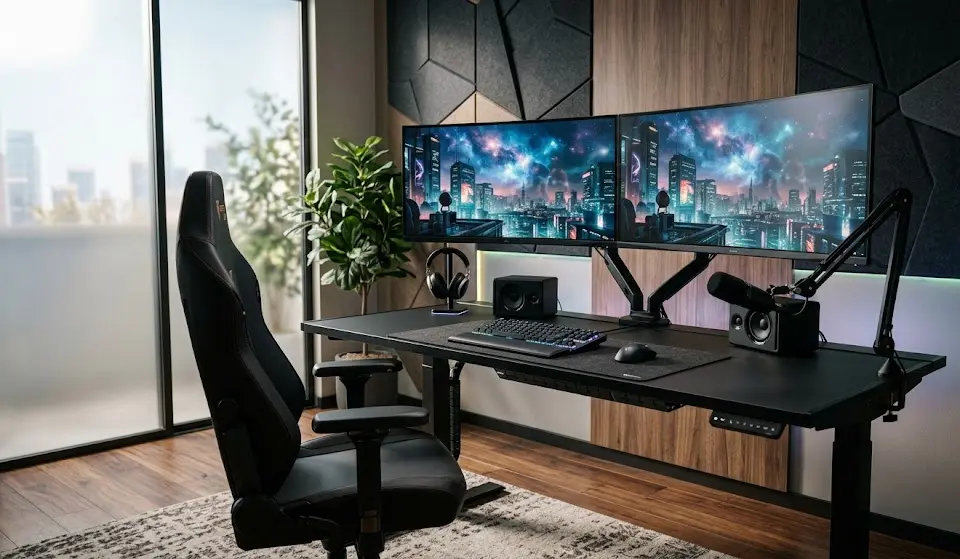
Secretlab’s e-sports sponsorships and direct-to-consumer model lend it serious credibility among power users. But it’s not just hype—its cable management ecosystem, seamless accessory compatibility, and serious stability are what define the Magnus Pro’s reputation. Its design has helped address common pain points reported with other adjustable desks, especially for those building dual monitor gaming setups or sprawling content creator workstations.
If you care equally about build quality and workstation cleanliness, the Magnus Pro demands a close look. For those researching an entire battle station setup, it’s worth exploring companion upgrades like the best ergonomic gaming chair 2026 or a programmable mechanical keyboard for peak workflow and comfort.
Step-by-Step: Planning and Building a Panoramic Magnus Pro Setup
- Define Your Workspace Dimensions and Gear
- Measure the exact width and depth you require. Magnus Pro (59 inches wide) fits most setups; Magnus Pro XL (70.5 inches) is advisable for dual or triple monitors, especially 27 inch plus screens.
- List your primary gear: number of monitors, PC/console footprint, audio equipment, camera, lighting, and charging docks.
- Match Load Requirements to Desk Specs
- The max weight for Magnus Pro and Pro XL is 150 pounds. Dual 27 inch monitors plus PC and peripherals will test this—if your total regularly approaches the max, consider rearranging to prevent wobble at full height.
- Plan Your Magnetic Cable Management
- Route all power, video, and USB cables through the built-in magnetic tray and side runners—but avoid overfilling with thick power bricks. Use included cable sheaths and consider additional magnetic accessories if needed.
- Build Up the Magnus Pro Ecosystem
- Add-ons elevate the desk: MAGPAD desk mat for scratch resistance and grip, dual monitor arms, and under-desk PC mount for a floating effect.
- Expect your accessory total to reach $400 or more for a complete setup (source).
- Final Desk Placement and Leveling
- Position your Magnus Pro close to a wall outlet for the built-in power strip. Use the adjustable feet to stabilize for uneven floors—crucial to minimize wobble with panoramic builds.
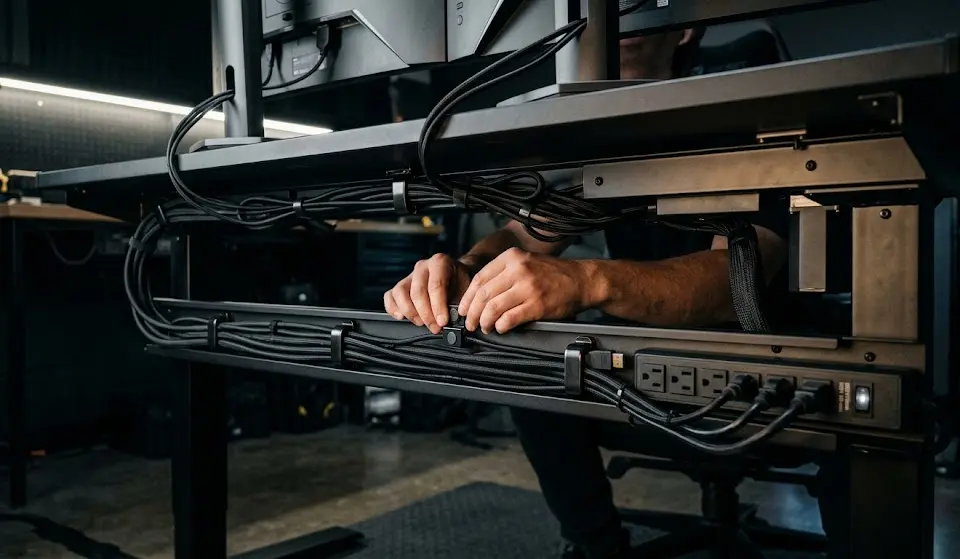
For ergonomic optimization, pair your Magnus Pro with an ergonomic gaming chair to support posture in both seated and standing modes, and add a monitor light bar to reduce eye strain in late-night sessions.

- MAGNETIC CABLE MANAGEMENT – New Cable Raceway kit’s Magnetic Cable Management won’t damage desk. Move it freely, no mark…
- HOLE UPGRADE – Larger holes fit thick cords. Fewer holes mean neat look. Aesthetic upgrade for Cable Management Under De…
- WAY FIT – Choose from Magnetic Cable Management for easy placement, adhesive for a secure stick, or screw – in for a fir…
Advanced Analysis & Common Pitfalls: Real User Challenges and Desk Weaknesses
The Secretlab Magnus Pro offers serious advantages for gamers and creators, but no desk is perfect—especially under real-world conditions. Here’s what hands-on users and aggregated review data reveal about potential downsides.
| Feature | Magnus Pro | Flexispot E7 Pro | Uplift V2 |
|---|---|---|---|
| Cable Management | Integrated magnetic tray; best-in-class for light/medium cable bundles | Standard metal tray with zip ties | Plastic/metal tray, optional grommets |
| Stability at Max Extension | Very solid to 130 lbs; wobbles at >140 lbs with dual+ monitors | Slight wobble above 110 lbs | Good to 120 lbs; recommended for lighter builds |
| Accessory Ecosystem | MAGPAD mat, magnetic mounts, monitor arms | Standard arms, limited accessories | Wide, but 3rd-party focus |
| Price Without Accessories | $800–$950 | $500–$650 | $650–$900 |
| Max Weight Capacity | 150 lbs | 125 lbs | 125 lbs |
User-Reported Pitfalls
- Magnetic Tray Overload: Users with multiple, thick cables or chunky power bricks sometimes find the magnetic cable tray pops loose, requiring hacks or additional supports. (source)
- Wobble at Maximum Extension: When loaded with two or more 27-inch (or larger) monitors and audio gear, there is mild but perceptible desk movement at full standing height, especially if the floor isn’t perfectly even.
- Accessory Cost Creep: While the basic desk is premium-priced, adding dual monitor arms, the cable management bundle, and a MAGPAD mat often brings setups to $1,200–$1,400. Buyers should plan for the all-in investment, not just the desk base price.
- Limited Finish Options: All Magnus Pro desks ship in dark matte tones only. There are not (yet) white or alternative surface finishes for users seeking lighter aesthetics.
Who Might Need to Look Elsewhere?
- Builders of ultra-heavy rigs (triple stacked 38 inch panels, large desktops, console/PC combos) may exceed cable or stability limits.
- Those who want to integrate custom RGB gear may prefer a panoramic-desk approach. For RGB inspiration and accessories, see our guide to RGB gaming accessories or explore AI gaming monitor tech for desktop synergy.
- Super-budget users can find similar sizing but reduced features and cable routing in lower-priced models, albeit sacrificing build and modularity.
The Magnus Pro’s strengths in modularity, finish, and daily workflow are best leveraged by those who value workstation hygiene and aesthetic order. For niche setups like a scorpion gaming setup or handheld PC gaming dock, evaluate specific needs around mounting and cable throughput.
Conclusion: Is the Magnus Pro Right for Your Multi-Screen Power Desk?
The Secretlab Magnus Pro gives creators, streamers, and gamers a unique blend of robust steel-frame stability, unmatched magnetic desk cable management, and seamless accessory compatibility. Wider panoramic, heavy duty sit stand desk builds—dual or triple monitors, full-sized PCs, chargers, and content hardware—see the most benefit, especially in daily tidiness and power user efficiency.
If your upgrade priorities are industrial-grade organization, expansion flexibility, and futureproof design, the Magnus Pro is worth the premium outlay. Real-world buyers confirm loyalty remains strong despite the premium price point, driven by Secretlab’s direct sales and industry partnerships (see user reviews).
Ready to create a serious workstation? Plan for your total budget (desk plus $400 or more in accessories) and match your build to both the Magnus Pro’s cable and weight specs. Check current pricing, bundle offers, and supported add-ons directly—and see our gaming setup essentials list for a master-planned workstation. The Secretlab Magnus Pro stands at the peak of today’s heavy duty sit stand desk market—if your ambitions match its strengths, it’s the ultimate centerpiece for your next-gen setup.
Take the next step—invest confidently in a desk that truly anchors your panoramic vision.
FAQ: Secretlab Magnus Pro Buyer’s Questions
What is the maximum weight capacity for the Secretlab Magnus Pro?
The Magnus Pro and Magnus Pro XL officially support loads up to 150 lbs. For builds with dual 27 inch plus monitors and heavy peripherals, stay well below this to reduce the chance of desk wobble at full height.
Does the magnetic cable management system work for thick cables?
The system is optimized for typical PC and monitor cables. Very bulky or stiff power bricks may push the magnetic tray cover out of place—reinforcement with cable sleeves or added Velcro can help.
How much does a full Secretlab Magnus Pro setup really cost?
The base desk starts at $800 (standard) or $949 (XL), but dual arm monitor mounts, MAGPAD desk mat, and full cable kits usually add at least $400 more. Most buyers report all-in spend between $1,200 and $1,400 for premium-ready workstations.
Is the Secretlab Magnus Pro compatible with custom accessories?
Most magnetic accessories and VESA-compliant mounts work, but for the tidiest look, Secretlab’s own monitor arms, cable kits, and under-desk PC mounts integrate best with the design and cable routing.
Can the Magnus Pro handle triple monitor setups for streaming or content creation?
Yes, with the XL model especially. Ensure your combined monitor weight plus accessories doesn’t push total load near the 150 lb limit—this will minimize stability concerns at full lift extension.
—
